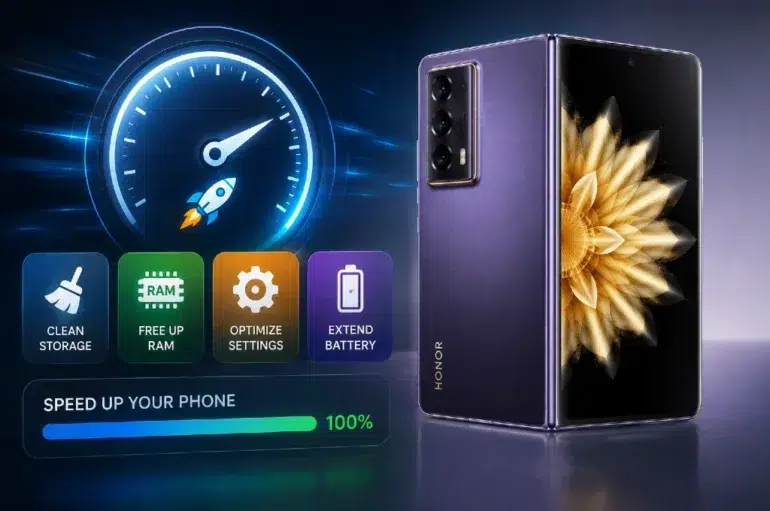
A slow smartphone usually comes from a few common problems: too many apps running, limited storage, outdated software, and inefficient daily habits. The good news is that you can improve smartphone performance without complicated tools or technical expertise. Small changes such as clearing unused files, reducing background activity, and keeping the system updated can make a noticeable difference in speed, responsiveness, and battery life. If your phone takes longer to open apps, lags while switching tasks, or drains power quickly, it is time to optimize how it uses memory and storage. This guide explains practical steps to speed up your smartphone, improve overall efficiency, and maintain smoother performance over time, whether you use your device for work, entertainment, communication, or everyday multitasking.

Check and Remove Factors That Slow Down Your Smartphone
Manage Apps, Background Processes, and System Resources
Start by reviewing which apps consume the most memory, battery, and processing power. Many smartphones allow apps to run in the background for syncing, notifications, location tracking, and refresh tasks, even when you are not actively using them. Disable background activity for nonessential apps, uninstall anything you rarely open, and remove duplicate utility apps that perform the same job. Widgets, live wallpapers, and excessive notifications also use system resources and can reduce responsiveness. Restarting your phone regularly helps clear temporary processes and refresh memory allocation. If performance still feels sluggish, check whether a single app is causing overheating or lag. Resource-heavy apps, especially games, video editors, and social platforms, often create slowdowns when left active for long periods without being closed or updated.
Free Up Storage Space and Organize Smartphone Files
Low storage can significantly slow your smartphone because the system has less room to manage temporary files, app data, and updates. Delete old downloads, duplicate photos, large videos, and unused documents that no longer serve a purpose. Move important media to cloud storage or an external backup so local space stays available for daily use. Clear cached data from apps that accumulate unnecessary temporary files over time, but keep essential login information if needed. Review messaging apps too, since shared media can quietly fill storage. Organizing files into folders also makes it easier to spot what can be removed. Aim to keep a healthy amount of free space available rather than filling the device nearly to capacity, because storage breathing room supports smoother performance and faster routine operations.
Practical Ways to Speed Up Smartphone Performance
Update Software and Adjust Performance Settings for Better Speed
Install system updates as soon as they are available, because they often include performance fixes, security patches, and efficiency improvements. Update apps through the app store as well, since older versions may contain bugs that cause freezing or excessive battery use. Then review performance-related settings. Lower animation effects, disable unnecessary visual enhancements, and reduce automatic syncing for apps that do not need constant updates. Turning off features like always-on scanning, unused connectivity options, or excessive location access can also lighten system load. If your phone has a built-in device care or optimization mode, run it regularly to clear temporary data and identify resource-heavy apps. These adjustments improve responsiveness without changing how you use your smartphone day to day.
Improve Hardware Efficiency With Smart Usage Habits
The way you use your smartphone affects long-term speed as much as software settings do. Avoid exposing the device to excessive heat, because high temperatures can reduce processing efficiency and strain the battery. Use certified chargers and avoid constant full-drain cycles, which can weaken battery health over time and affect performance stability. Restart the phone every few days to refresh memory and stop hidden processes from building up. Keep the screen brightness at a reasonable level and turn off Bluetooth, Wi-Fi, or hotspot functions when they are not needed. Limit heavy multitasking during charging or while using power-intensive apps for long sessions. These simple habits help your phone run cooler, manage resources more effectively, and maintain consistent performance throughout regular daily use.
Advanced Performance Tips for a Faster Smartphone Experience
Optimize Battery, Memory, and App Usage Settings
Use built-in battery and memory management tools to identify apps that wake the phone too often, consume unusual power, or use excessive RAM. Restrict auto-start permissions for nonessential apps so fewer processes launch when the device boots up. Turn on adaptive battery features if available, since they prioritize the apps you use most and limit background drain from others. Check app permissions regularly and remove unnecessary access to location, microphone, camera, and background data. If your smartphone includes a lite mode, performance mode, or memory extension feature, test it carefully and keep the settings that improve speed without creating extra battery drain or interrupting important notifications.
Choosing Performance-Focused Devices Like HONOR Magic V2 for Long-Term Use
If you are planning an upgrade, choosing a performance-focused smartphone can reduce slowdowns for years. Devices such as the HONOR Magic V2 foldable phone are designed for efficient multitasking, smoother app handling, and better long-term responsiveness. A lightweight foldable design, flagship-level processing, optimized software, and strong memory management can support users who switch often between productivity, media, and communication tasks. Battery efficiency and thermal control also matter because they help maintain speed under regular workloads. When evaluating a new device, prioritize a capable processor, ample RAM, sufficient storage, and software optimization rather than focusing only on appearance. Strong hardware and efficient software create a faster daily experience.

Conclusion
Speeding up your smartphone starts with direct, practical action: remove unused apps, free storage space, update software, and control background activity. These steps improve responsiveness, reduce lag, and help the device use memory, battery, and processing power more efficiently. Good daily habits such as avoiding overheating, restarting regularly, and limiting unnecessary features also support long-term performance. If your current phone still struggles after optimization, upgrading to a device built for efficient multitasking and sustained speed can be a smart next step. With consistent maintenance and sensible settings, you can keep your smartphone running smoother, faster, and more reliably for everyday tasks and heavier use.