Smartphone security tips matter because your device stores messages, photos, banking access, passwords, location history, and work accounts in one place. A weak lock screen, careless app download, or missed update can expose that information to thieves, scammers, or malware. Protecting personal data does not require advanced technical skills. It starts with simple habits such as using strong authentication, reviewing permissions, installing updates quickly, and avoiding unsafe networks. Small choices made every day can dramatically lower your risk. This guide explains the basics of mobile security, shows how data is commonly exposed, and outlines practical steps you can take to improve privacy. If you want better protection without making your phone harder to use, these strategies offer a smart place to begin.
Understanding Smartphone Security Basics Before Taking Action
Key Smartphone Security Features Every User Should Know
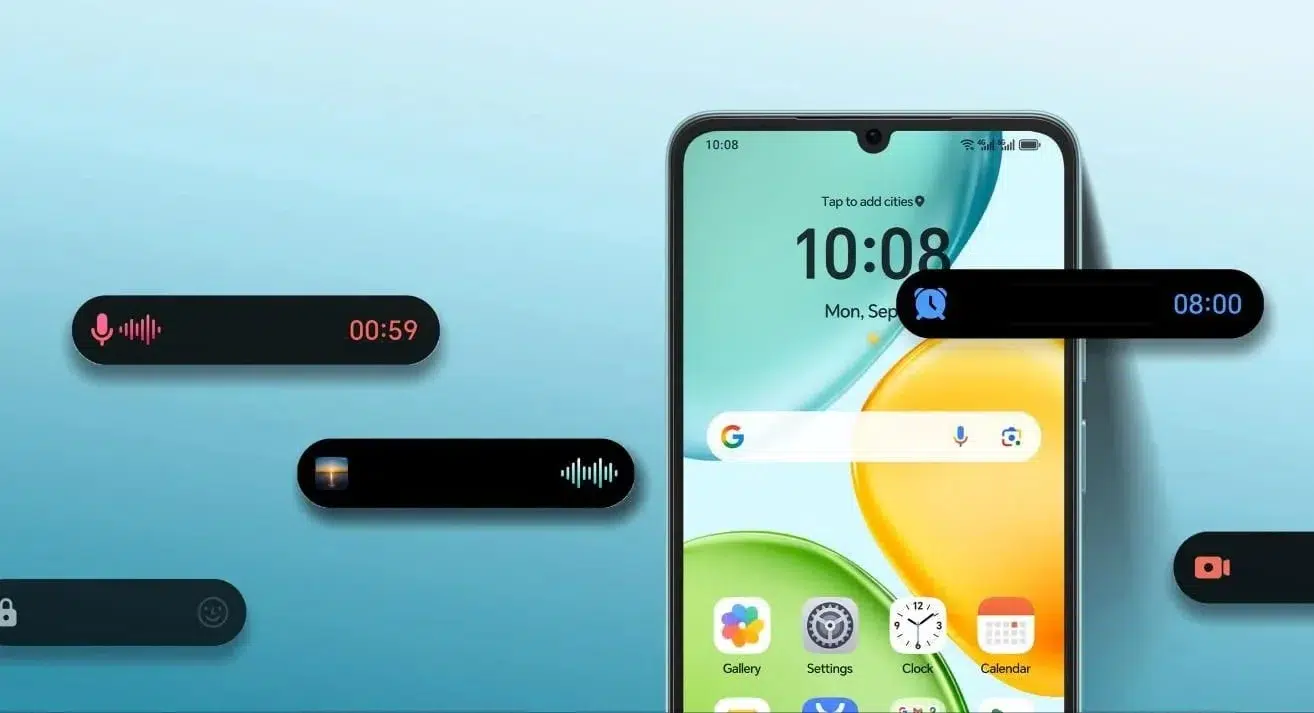
Every user should understand the core protections built into a smartphone before changing settings. On devices like the HONOR X6d 5G smartphone, these security features help keep personal information safe and provide better control over privacy. Screen locks are the first barrier, whether you use a long PIN, password, fingerprint, or facial recognition. Device encryption helps keep stored data unreadable if the phone is lost or stolen. Find-my-device tools let you locate, lock, or erase a missing phone remotely. Built-in backup options protect important files and settings in case of theft or damage. Security updates patch newly discovered vulnerabilities, while app permission controls limit access to sensitive data such as contacts, microphone, camera, storage, and location. These features work best when enabled and reviewed regularly.
How Personal Data Can Be Exposed Through Mobile Devices
Personal data can leak from smartphones in several common ways. Public Wi-Fi without proper protection may allow attackers to intercept browsing activity or redirect you to fraudulent pages. Malicious apps can collect contacts, messages, location data, and login credentials when users grant broad permissions without checking. Phishing texts, fake delivery alerts, and account warnings can trick people into tapping harmful links or entering passwords on convincing copycat sites. Lost or stolen phones also create serious risks when lock screens are weak or notifications display sensitive information. Outdated operating systems and apps leave known security flaws unpatched, making devices easier to exploit. Even oversharing through cloud backups, Bluetooth connections, and app syncing can expose more personal information than many users realize.
Essential Smartphone Security Tips to Protect Your Data
Use Strong Passwords, Biometrics, and Privacy Settings Effectively
Start with a strong screen lock that cannot be guessed easily. A long PIN or password offers better protection than simple patterns or short codes. Enable fingerprint or face unlock for convenience, but keep the PIN or password strong because it remains the core fallback method. Turn on two-factor authentication for email, banking, and social accounts linked to your phone. Review lock screen settings so message previews, verification codes, and account alerts do not appear when the device is locked. Disable automatic login on sensitive apps when possible. Check privacy settings regularly to limit ad tracking, location sharing, microphone access, and camera access, especially for apps that do not need those permissions daily.
Manage Apps, Updates, and Permissions to Reduce Security Risks
Install apps only from official sources, and download only what you truly need. Before installing anything, read the permission request carefully and question apps that ask for contacts, microphone, storage, or location access without a clear reason. Remove unused apps because abandoned software can still hold data and create unnecessary risk. Keep your phone’s operating system and all apps updated, since security patches fix vulnerabilities that attackers actively target. Turn on automatic updates if you often postpone them. Review app permissions every few weeks and revoke access that no longer makes sense. Also clear old files, saved payment methods, and cached sign-in data from apps you rarely use for better control.
Improve Mobile Privacy With Better Device Protection Habits
Secure Your Smartphone Connection and Online Activities
Safer mobile privacy starts with safer connections. Avoid entering passwords, payment details, or private work information when connected to unknown public Wi-Fi. If you must use public internet access, prefer websites that use HTTPS and avoid sensitive transactions until you are on a trusted network. Turn off Bluetooth, Wi-Fi, and hotspot features when you are not using them, since open connections increase exposure. Be cautious with links in text messages, chat apps, and email, especially those creating urgency. Use a secure browser, sign out of important accounts on shared services, and delete browsing data regularly. These habits reduce tracking, limit interception risks, and make your everyday smartphone use much safer overall.
Choose Safer Devices With Built-In Security Features
When buying a smartphone, prioritize security support as much as camera quality or battery life. Choose a device that receives regular operating system and security updates for years, not just months. Look for built-in encryption, secure biometric authentication, remote locate-and-wipe tools, spam and phishing protection, and clear privacy controls for apps, sensors, and location data. A device with a secure boot process and hardware-backed key storage adds stronger protection for passwords and account credentials. Also consider how easy the manufacturer makes updates and whether security settings are simple to find and manage. A phone with strong built-in protections helps you maintain mobile privacy without depending entirely on extra apps.
Conclusion
Protecting personal data on a smartphone comes down to consistent, practical habits. Use a strong passcode, enable biometrics, keep software updated, limit app permissions, and stay cautious with links and public networks. Built-in tools such as encryption, remote lock features, and privacy controls provide strong protection when you actually use them. Regularly reviewing settings and removing unnecessary apps can close gaps before they become real problems. If you are choosing a new device, long-term security support should be a priority. Strong smartphone security is not complicated. It is the result of small decisions that make your data, accounts, and daily activity much harder to compromise.