

The software that professionals use can tax the computer far beyond what would be required for typical tasks. Complex rendering, compilation, processing, high-resolution media editing, or running heavy-duty software for extended periods of time can quickly reveal shortcomings in an otherwise powerful computer. When the hardware isn’t designed around those demands, performance problems, overheating, memory constraints, and slow hard drive access are all likely to become part of the regular routine.
As far as business owners and decision makers are concerned, hardware planning isn’t just about addressing technical concerns. Time lost to inefficient processing is time that can have impacts on project timelines, workforce efficiency, and return on investment from the purchase of hardware. Hardware planning ensures a system built around the software being used by professionals.
1. Hardware Planning Prevents Performance Bottlenecks
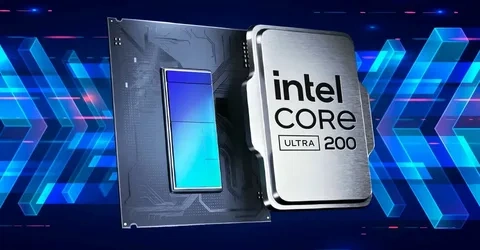
Different professional software programs do not require the same kind of performance from each hardware component. The Hexagon BricsCAD Intel Core Ultra workstation serves as an excellent example of how planning a hardware setup in relation to a professional software program should be done, as opposed to choosing components without any consideration of the software’s needs.
Different programs have different hardware needs. Some require a fast clock rate of a CPU; others need lots of cores and threads. Programs for design, rendering, simulations, development, and media work are examples of such applications.
The lack of proper planning means that a weak link in the system could limit its performance. A high-performance CPU cannot offset low RAM performance; likewise, lots of RAM would not overcome the lack of good graphics performance. Proper planning ensures that you allocate budget where needed.
This also protects professionals from spending money on hardware specs that will yield no benefits whatsoever. The goal is not just to create the fastest possible system. You have to create a balanced one.
2. Hardware Planning Matches Components to Software Demands
The issue of matching hardware and software is vital when certain features of software are directly related to hardware features.
Among such features, there are clock speeds in the case of single-threaded operations and multi-core processing when parallel processing is needed. It is important to know how primary applications work. The choice of a processor can become more effective in such a situation.
RAM is another feature that should be taken into account. If a professional application requires more memory space than a computer has, the operating system will utilize virtual memory based on storage. There will be a delay in performing tasks. With enough RAM, large projects, large data sets, and many applications will remain available all the time.
GPU features should be considered. There are applications that perform calculations using GPU resources – they use the GPU for parallel processing. CAD, visualization, AI, video editing, and other similar programs belong to this category.
3. Hardware Planning Supports System Stability
Performance becomes meaningless unless the system can sustain its performance. Professional work involving software can place high loads on the processor and graphics card for an extended period of time. Unplanned design can cause overheating, throttling, crashes, or even shutdowns.
Thus, thermal control should be taken into account along with processing power. Good cooling ensures that the component remains at an appropriate temperature while performing its job. Otherwise, the component may lower the level of performance in order to avoid overheating, effectively rendering a powerful system slow.
Memorability is also significant in the professional sphere. The fact is that the ECC type of memory can detect and fix certain faults in the information being processed; therefore, it is suitable for cases when the stability and safety of the data are crucial factors. Another element that makes this component secure is a reliable power supply.
4. Strategic Planning Improves Hardware ROI
Hardware selection also influences the way the professional budget is used. It doesn’t mean that the purchase of more expensive hardware means more benefits since the primary software may not utilize it to the fullest extent.
In general, the planning stage is about using the allocated resources for those aspects that influence productivity the most. While a video editor could benefit from a good graphics card and storage speed, a developer could pay more attention to the CPU and RAM.
The process of planning also excludes underbuilding the computer. In other words, an inexpensive computer would be costly to use because of low performance or required upgrades right away after the purchase.
From Hardware Investment to Better Professional Workflows
When looking at performance from the perspective of the total process, the importance of hardware planning comes to light. A good plan for hardware means not only the operation of the applications but also minimizing disruptions to productivity.
5. Faster Storage Keeps Work Moving
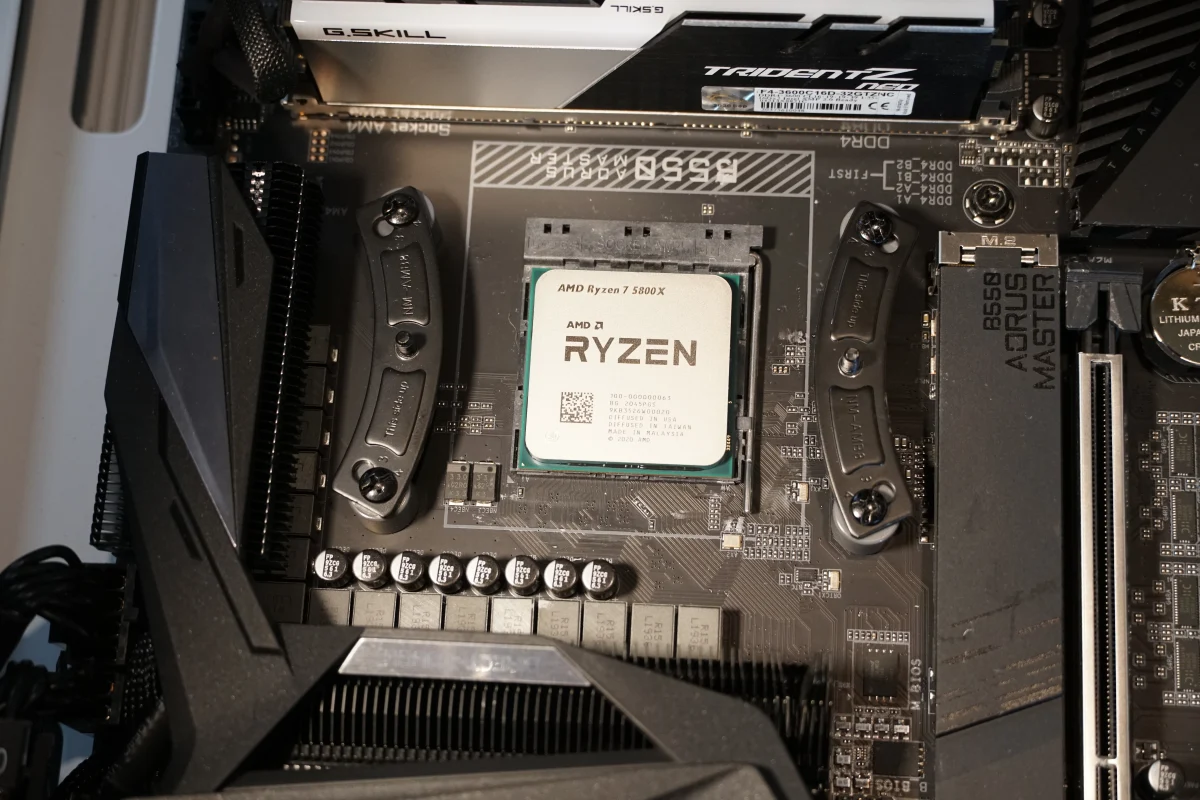
Storage speed can make a difference in the processes of professional software operations. In the case of a HandBrake AMD Ryzen workstation, this machine is able to provide a highly efficient processing workflow due to fast and capable hardware.
NVMe SSDs are faster than other kinds of storage when it comes to loading applications, accessing projects, and transferring large files.
Such capability is important when projects involve high-resolution media, large design files, datasets, or many development files. Opening a file or transferring a large dataset may not take too much time, but doing this constantly during a whole project is very time-consuming.
It also provides faster multitasking, because the programs will be able to use their temporary files and project information without delaying the process.
6. Hardware Planning Supports Long Working Sessions
Software development in a professional capacity requires a period of focused attention. Software developers can be engaged for many hours compiling code and performing tests, and designers and editors can be engaged for hours working on extensive visual projects. In considering hardware, this prolonged engagement must be considered.
In terms of displays, it is something to consider. The software developer will need a high-definition display that retains clarity in the text while giving enough space to write the code. The designer or videographer will require a display capable of accurate color rendering. Even peripherals must be chosen to facilitate the process of work.
7. Planned Systems Leave Room for Future Demands
Software needs may be modified with increasing complexity in the software. Modifications may involve increased requirements on memory capacity, graphical power, or speed of operation. A computer system without any scope for upgrading becomes limited very soon.
It is wise to take into account the possibilities of expanding hardware. This includes having a motherboard with sufficient memory capacity, good storage capabilities, proper power supply, and support for future hardware components.
Such a computer system will be much easier to adjust as professional software becomes increasingly complicated. Thus, there would be less necessity to replace the entire computer system if just one or two components require additional capabilities.
Build Hardware Around the Work
When it comes to hardware configuration, after all, the bottom line is alignment. The CPU, memory, graphics, storage, cooling, power, monitor, and upgrades must all align with what kind of software the computer is using on a regular basis and not work as individual specifications.
Alignment can take care of any possible bottlenecks, keep things stable, prevent unnecessary spending, and keep the professionals’ workflow steady. Alignment would also take care of any future upgrades, as every single component would have a place within the system.
To professionals and those making the decisions for them, the best hardware solution doesn’t have to be the most expensive option. It is one where the hardware is aligned with software requirements, workload demands, and the work being done. A properly aligned platform, such as that provided by Cloud Ninjas, can transform hardware from being a limitation to being a foundation for professional software development.