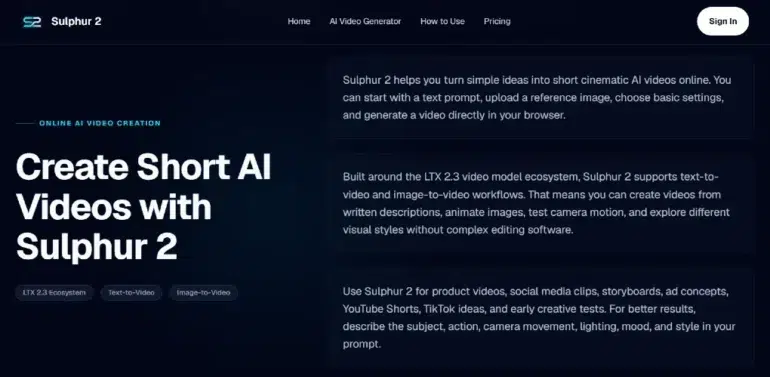
Short videos are now essential for social media, marketing, and creative workflows—but producing them often takes longer than expected. A product photo needs motion, a social post needs an engaging hook, and presentations need visual examples. Opening a full video editor can feel overwhelming.
Sulphur 2 solves this by offering a browser-based AI video generator. It allows creators and small teams to turn text prompts or still images into short cinematic videos—without installing software or configuring a local AI model.
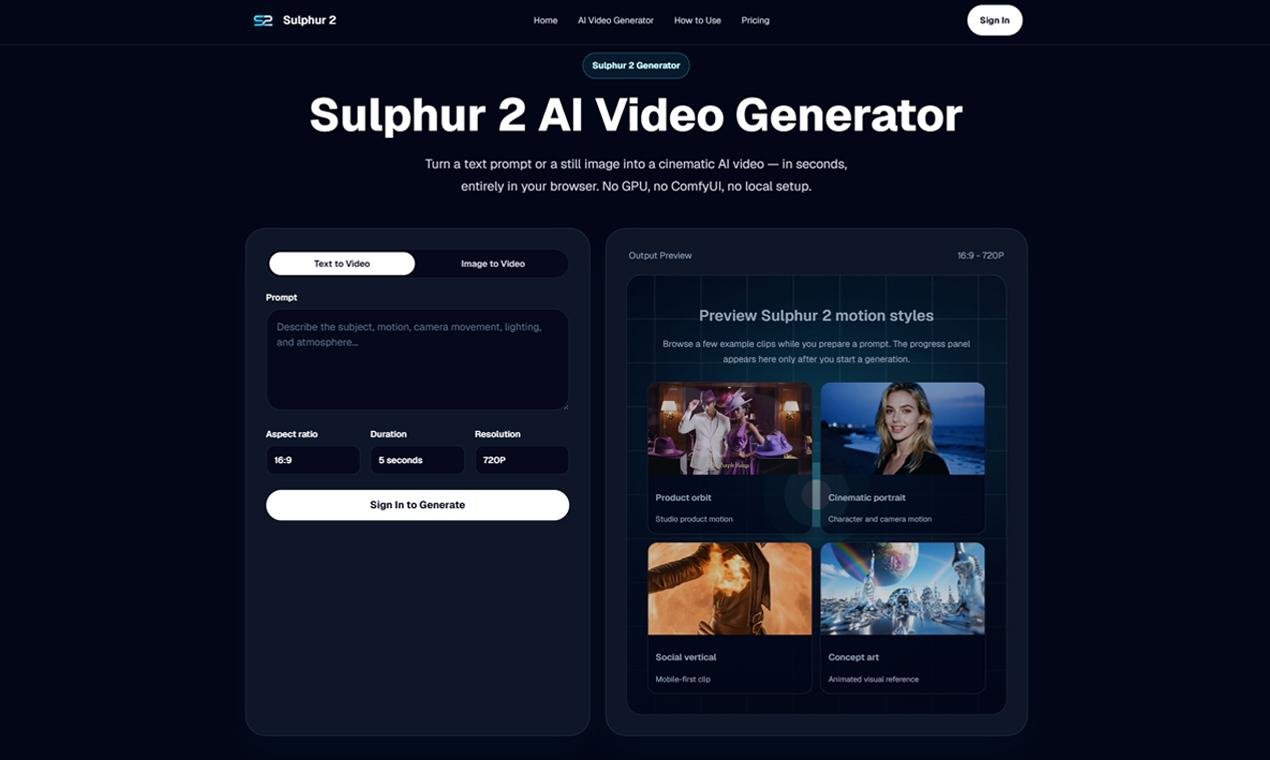
Why Sulphur 2 Is Practical
Sulphur 2 focuses on speed and usability. You can:
- Describe a scene in text
- Upload an image as a reference
- Choose a format
- Generate a short clip online
This workflow is simple for beginners, yet effective for marketers, designers, and creators who need fast visual drafts for real projects. Instead of replacing professional video production, it accelerates early-stage ideation, making ideas visible before committing time or money to production.
Text-to-Video: Clear Prompts Lead to Better Clips
For the best results, write prompts like short shot instructions. Include subject, setting, action, camera movement, lighting, mood, and style.
Example:
“A modern wireless speaker on a dark reflective desk, slow dolly-in, soft studio lighting, premium product commercial style, smooth cinematic motion.”
Specific prompts give Sulphur 2 a clearer path, making it easier to refine small details—like camera movement or lighting—without starting over.
Image-to-Video: Start With a Strong Visual
Many users find image-to-video the most practical. Upload a product photo, brand visual, portrait, or concept art and describe the motion.
This gives the AI a visual anchor:
- Products stay closer to their original look
- Posters become moving social clips
- Moodboards turn into short animated previews
Use cases include product showcases, social media content, ad concepts, or client presentations. Simple movements like slow zooms or orbit rotations can make the clip feel dynamic without overcomplicating production.
Camera Language Creates Intentional Motion
Adding camera instructions—like close-up, wide shot, dolly-in, tracking, orbit, or slow motion—guides AI output. Small differences in movement can make a product video feel premium, a social post more engaging, or a scene more cinematic.
Where Sulphur 2 Shines
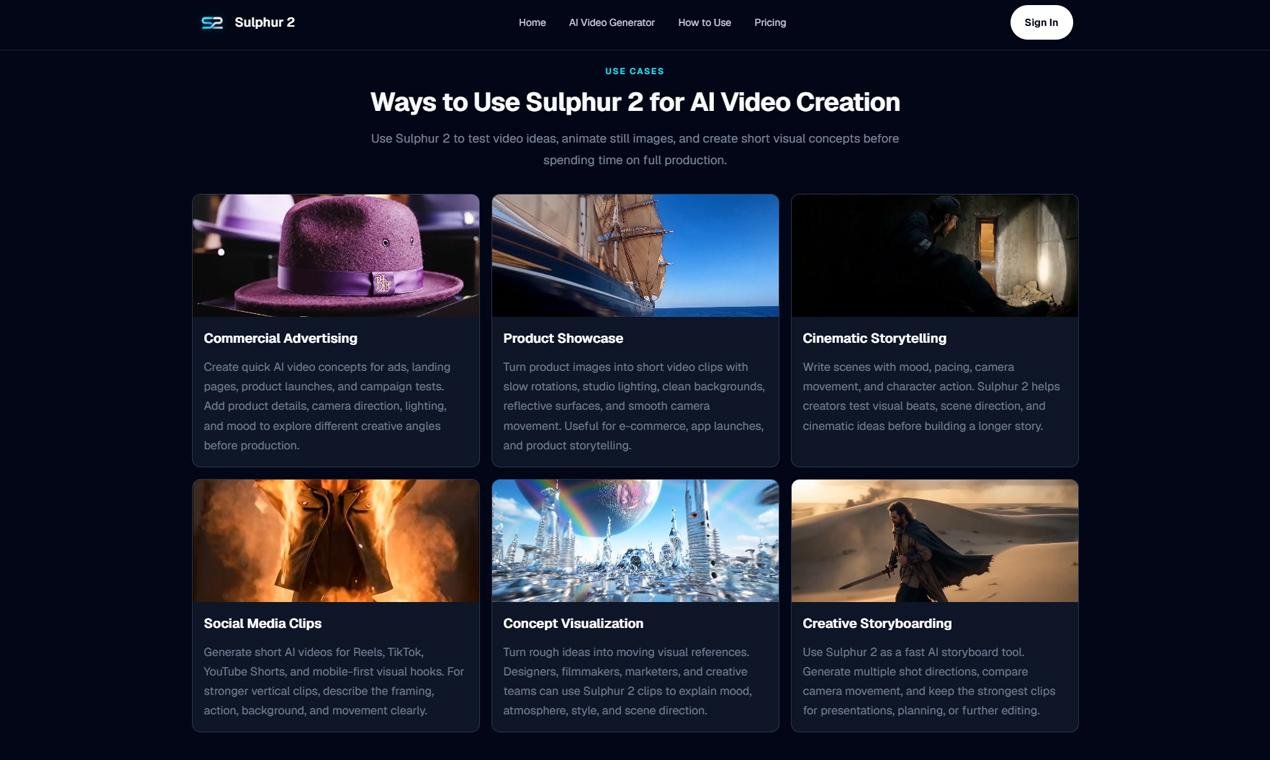
Sulphur 2 AI Video Generator is ideal for short-form creative work where speed matters:
- Product showcase clips for ecommerce or landing pages
- Social media hooks for TikTok, Reels, YouTube Shorts
- Ad concept testing before production
- Animated versions of still images
- Storyboard or moodboard previews
- Simple cinematic tests
It helps teams stop only describing ideas and start visualizing them—speeding up feedback and iteration.
Simple Workflow for Getting Started
- Choose your goal: social media clip, product video, storyboard, ad concept, or presentation
- For text-to-video, write a concise shot prompt: subject, action, camera movement, lighting, style
- For image-to-video, select a strong reference image and keep motion simple
- Select format: vertical for mobile-first platforms, horizontal for websites and presentations
- Review the clip: check motion, framing, subject consistency, and messaging
- Refine as needed with updated prompts
Key Considerations
AI video is a tool, not a fully automated solution. Check that:
- Products appear accurate
- Visual style matches brand guidelines
- Social clips are attention-grabbing
- Storyboard drafts communicate the intended idea
Sulphur 2 uses a credit system with free starter credits—perfect for short tests before larger experiments.
Final Thoughts
Sulphur 2 makes AI video accessible, letting creators turn prompts or images into short clips directly in the browser. It speeds up early-stage content creation, allowing quick visualization of product ideas, animated images, social hooks, or cinematic experiments.
For anyone seeking fast, practical AI video creation without technical hurdles, Sulphur 2 is a great starting point. Begin with a clear prompt or image, keep the first test simple, and refine motion, lighting, and camera direction in the next iteration.