

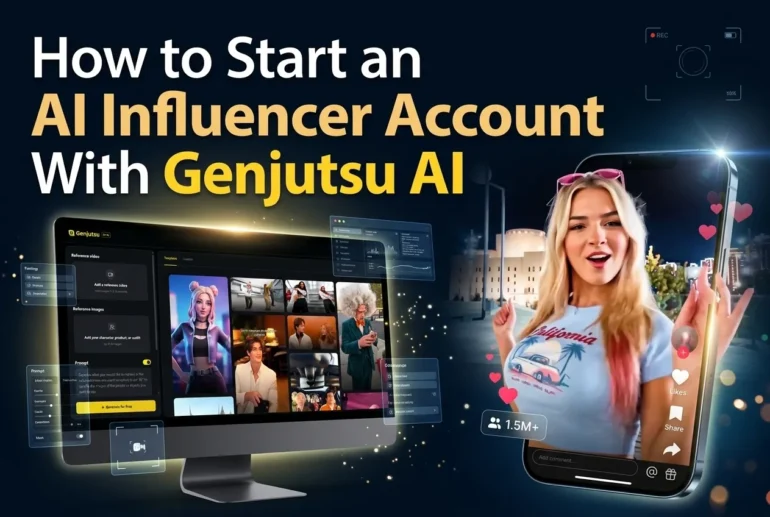
A convincing AI influencer account needs more than an attractive profile image. Viewers need to recognize the same virtual person across posts and understand what kind of entertainment to expect. With genjutsu ai, you can explore that consistency by placing your chosen character into reference-based videos. A recognizable dance, reaction, or everyday scene supplies the action, while your character and caption give it a new identity. This makes recreating familiar formats a practical starting point for planning the account’s first posts.
Define the Person Behind the Account
Choose a virtual character whose appearance and personality you can describe clearly. A fashion-conscious overthinker, an enthusiast who celebrates tiny achievements, and a reserved character with unexpectedly dramatic reactions suggest different content choices.
Write a simple premise: this account follows a virtual person who treats ordinary plans like major events. That sentence helps you select references and reject trends that do not fit.
Prepare a consistent visual reference set before generating moving scenes. Keep facial features, hairstyle, and distinctive clothing aligned. An account can explore different situations without making the main character look like a different person in every post.
How to Make the First AI Influencer Videos
Step 1: Select Formats That Reveal Personality
Choose several types of performance rather than several copies of one movement. An entrance can introduce confidence. A reaction can reveal a weakness. A celebratory dance can show how the character responds to a small victory.
For each reference, write the situation before generating. The character arrives at a casual lunch as if attending a premiere. They react to a cancelled appointment as if their entire week has changed. The situation gives the action a reason to exist.
Use footage you have permission to adapt. Do not confuse a recognizable format with permission to reuse any particular recording.
Step 2: Choose Images That Agree About Appearance
Select clear images of the same approved virtual person. Make defining facial features visible, and avoid mixing incompatible character versions or heavily obscured views.
Keep the initial outfit consistent if it helps recognition. You can develop wardrobe changes later; the first task is establishing a subject viewers can identify across different actions.
Create a short review list before uploading. Note the hairstyle, face shape, and clothing detail that should remain recognizable throughout each draft.
Step 3: Choose a Template or Custom Reference
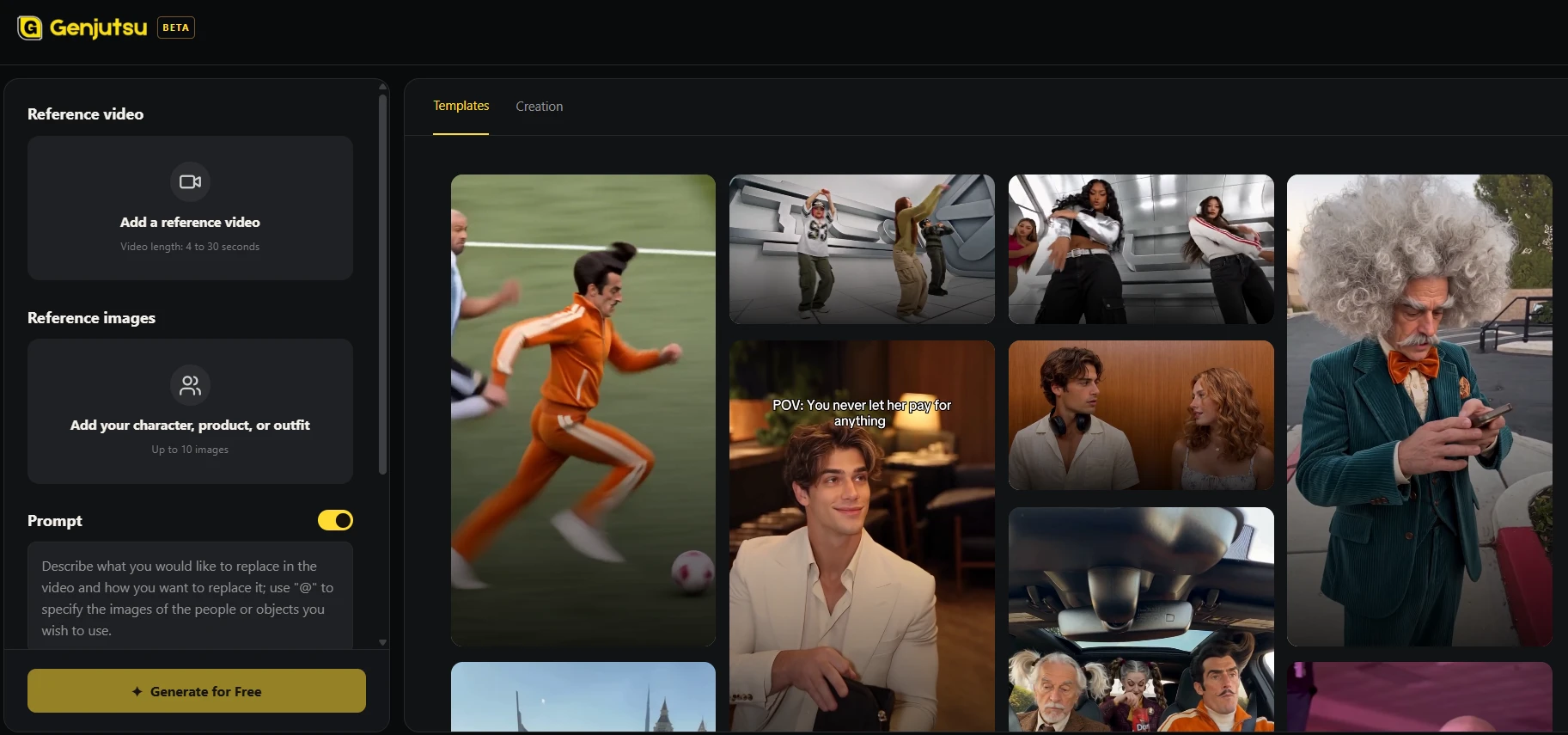
If an available template contains the intended action, select it and upload your replacement reference images. Its built-in instructions let you proceed without writing your own prompt.
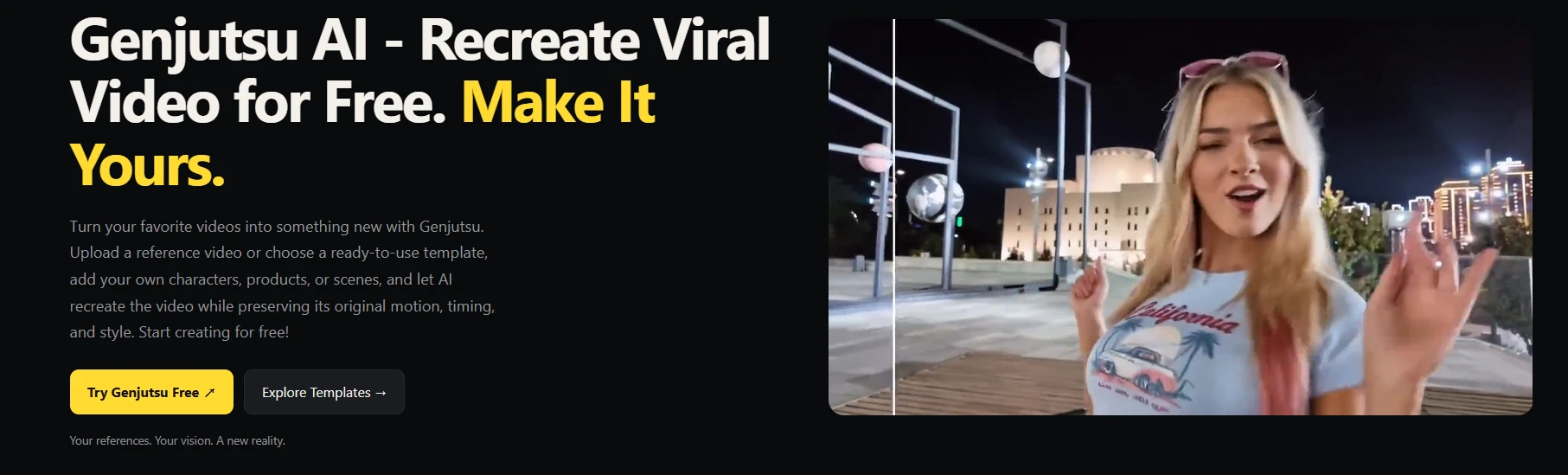
For custom footage, upload the video and character images, then explain the substitution. A possible instruction is to replace the main performer with the uploaded virtual character while following the original entrance and camera framing.
Keep the first request focused on the performer replacement. Adding unrelated location, costume, and camera changes can make it harder to understand why a particular result needs revision.
Step 4: Review Recognition and Performance
Watch each generated video at normal speed. Can you identify the same virtual person? Does the reaction match the intended personality? Is the surprising moment visible without a long explanation?
Then inspect turns, gestures, and contact with props. Check the face and distinctive clothing across the complete clip. A convincing opening frame does not establish continuity through the entire performance.
If the appearance varies, review the images. If the character looks consistent but the action expresses the wrong attitude, choose a better reference. Treat those as separate creative problems.
Step 5: Connect the Posts Before Publishing
For TikTok or Instagram Reels, consider a viewer encountering any one post first. A short setup should explain the situation without depending on earlier uploads.
Use the profile description and captions to reinforce the same premise. Make the fictional or AI-created nature of the virtual person clear rather than implying a real identity or lived experience that does not exist.
Example Case: A Virtual Person with Main-Character Energy
Imagine a fictional creator developing an original virtual person called Mira, who treats ordinary errands as important appearances. This is a hypothetical content plan, not a reported audience-growth result.
The creator chooses an entrance for “arriving at the supermarket,” a reaction for “the delivery arrives early,” and a celebration for “finding a seat on the train.” Different performances communicate one personality.
They reuse approved Mira images and assess facial consistency, hairstyle, clothing, and the main gesture in each draft. A visually coherent scene may still be rejected if the action feels aggressive rather than playfully theatrical.
The creator can then review the posts together. Would someone recognize the same person and understand the account’s tone? That question is more useful than simply asking whether each source format was popular.
Develop the Account from Clear Creative Decisions
Plan the next situation from the character’s attitude rather than from a random effect. If Mira treats everything like an important appearance, shopping, commuting, and waiting for a delivery can all become related scenes. That editorial connection gives the account room to vary its actions while remaining recognizable to someone who first discovered it through a different post.
Save the approved images, reference sources, captions, and review notes. Record which situations make the character’s personality readable and which need too much explanation. Use that information to select the next formats rather than changing the account’s identity after every experiment.
An AI influencer account becomes easier to understand when a consistent virtual person brings a recognizable attitude to different situations. To explore that approach through recreated video formats, genjutsu ai provides a way to combine your character images with an existing performance and a new creative setup.