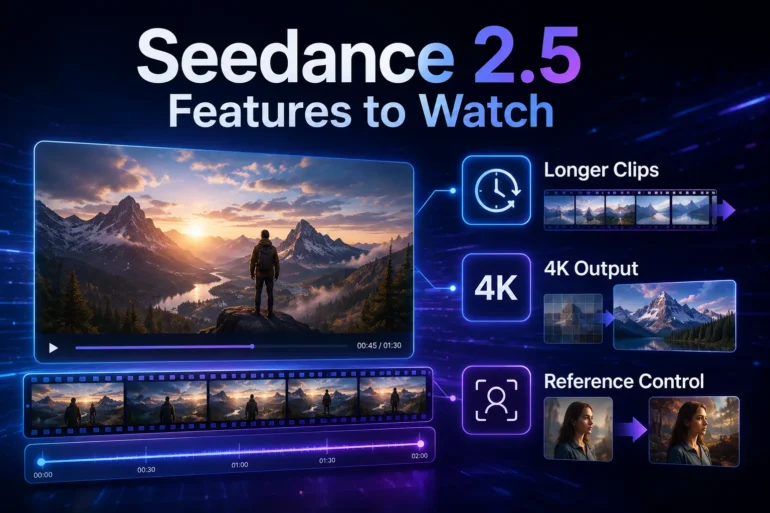
AI video tools are moving from short experiments toward more practical creative workflows. Seedance 2.5 is getting attention because its expected feature set focuses on longer clips, sharper output, and better reference control.
AI video generation has quickly become one of the most discussed areas in creative technology. Early tools were exciting because they could turn a text prompt into motion. Now users are asking for more practical results.
A short clip may be enough for a visual experiment, but creators often need something more complete. A product video needs a clean beginning and ending. A social media teaser needs a message. A brand concept needs consistency across the full scene.
That is why many people are watching Seedance 2.5 before the launch. The interest is not only about making AI videos look better. It is about whether the workflow can become easier to plan, review, and revise.
Longer Clips Could Make AI Video More Useful
One of the biggest expected changes is support for longer native clips. A 30-second video gives creators more room to build a complete idea instead of joining several small clips together later.
This matters for everyday content. A small business may want a product teaser. A teacher may want a short visual explanation. A creator may want a social clip with a clear opening, action, and final frame.
Longer clips also make prompting more structured. Instead of asking for one impressive moving image, users can think in sections: what appears first, what changes in the middle, and where the video should end.
The challenge is consistency. The longer the output, the more important it becomes for the model to keep the subject, lighting, motion, and camera direction stable.
4K Output Can Help With Real Content Needs
Resolution is not just a technical detail. Many AI video clips look fine in a small preview, but they become harder to use when cropped, edited, or placed into a campaign layout.
4K output can give creators more flexibility. A higher-resolution draft can be used in presentations, social edits, product mockups, and video planning. It also gives teams more space to crop for vertical and horizontal platforms.
That does not mean every generated clip is ready for final publishing. Human review is still important. But better resolution makes the first draft more useful, especially when a team needs to compare ideas quickly.
Reference Control May Matter Most
Text prompts are helpful, but they often leave too much room for guessing. A prompt can say “cinematic product video,” but the model still has to decide the exact product shape, background, lighting, and motion.
References make the brief clearer. A product image can protect the object. A video clip can show camera movement. An audio file can guide rhythm. A style image can help define color and mood.
This is why multimodal reference support is becoming important in AI video. It allows users to bring real creative materials into the process instead of relying only on description.
The key is to avoid overloading the system. More references do not automatically mean a better video. Each file should have a clear job, such as product identity, setting, motion, lighting, or sound.
Motion and Editing Are Part of the Same Workflow
AI video is becoming more useful when users can describe movement more clearly. Simple phrases such as “slow camera push,” “hold on the product,” or “follow the character into the room” can make the output easier to judge.
Editing after generation is just as important. A clip may be close to useful but still have one weak detail. The background may look wrong, the camera may end too early, or the final frame may need more space for text.
If every small correction requires a full regeneration, the process becomes slow. A stronger workflow should help users keep the parts that work and adjust the parts that do not.
Who Should Watch This Update
Seedance 2.5 is especially relevant for people who already create visual content but need faster drafts. This includes social media creators, ecommerce sellers, startup marketers, educators, agencies, and small businesses.
The strongest use case is not replacing professional video production. It is improving the early stage of planning. A draft helps people see whether the idea works before spending more time on editing, filming, or design.
For example, a product team can test a campaign concept. A teacher can prepare a short lesson visual. A creator can try several short-form video ideas before choosing one to polish.
What Users Should Check First
Before using any new AI video tool seriously, users should check practical details. The feature list is useful, but real value depends on output quality, control, rights, and repeatability.
- Can the video stay consistent across the full duration?
- Do references keep their assigned roles?
- Does 4K output remain useful after cropping?
- Can small details be adjusted without starting over?
- Are export options and usage rights clear?
These questions help separate a useful workflow from a one-time demo. They also help creators decide which projects are suitable for AI video and which still need a traditional production process.
A Practical Feature Direction
The reason Seedance 2.5 is gaining attention is simple: its expected feature direction matches problems users already face. Clips are often too short. References can be hard to control. Edits can be unpredictable. First drafts often need more structure.
For readers who want the details in one place, the Seedance 2.5 features overview is useful because it groups the major points around longer output, 4K quality, multimodal references, motion control, and editing.
AI video is still developing, but the next stage is becoming clearer. The most useful tools will not only create attractive clips. They will help users guide an idea, keep important details stable, and revise the result with less friction.