Online privacy is a significant concern today. Each visit to a site, every download, and every stream leaves digital footprints. For Windows users, such exposure may result in tracking, profiling, and even cyberattacks. A good VPN is no longer a luxury. It has already become a crucial shield of defense.
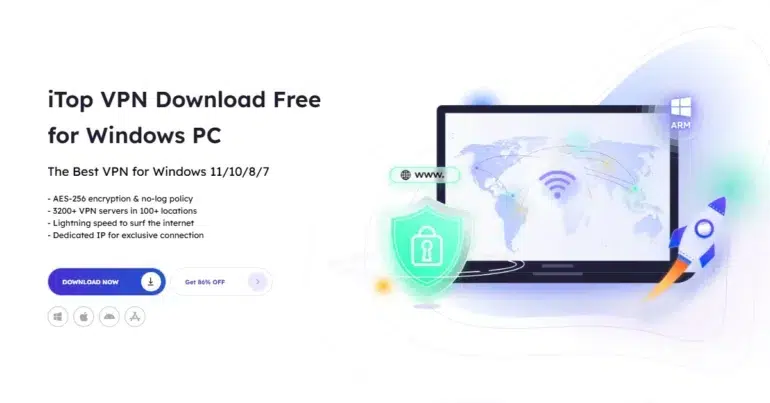
iTop VPN is a universal VPN service for Windows computers. It is concerned with privacy, security, and high speed. Unlike just providing a basic IP masking service, it integrates encryption, monitoring tools, and system protection services into a single platform.
Why Online Privacy Matters for Windows Users
Windows is the most popular desktop operating system. As a result, it is frequently attacked by hackers and Trojan horse scripts. The threat of personal information exposure increases when using public Wi-Fi networks, engaging in phishing, using tracking browsers, and experiencing data leaks.
Internet traffic is interceptable without encryption. Location and identity can be tracked without IP protection. In the absence of vulnerability checks, systems can remain vulnerable.
iTop VPN handles these threats by encrypting traffic, concealing IP addresses, and providing additional privacy monitoring.
Core Privacy Protection Features
iTop VPN provides multiple layers of privacy protection:
- Military‑grade encryption to secure internet traffic
- IP address masking to prevent tracking
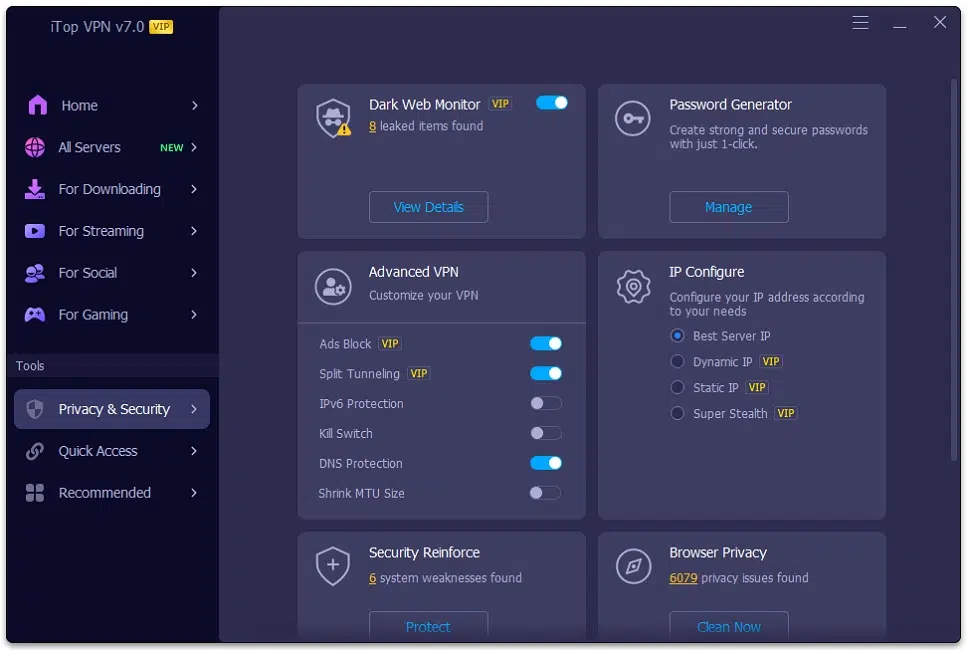
- Kill Switch that can stop selected app traffic if the VPN disconnects
- Split Tunneling to route chosen apps through the VPN
- Double VPN option for extra encrypted routing
These features work together to keep browsing activity, downloads, and communications private.
Advanced Privacy & Security Tools
Beyond traditional VPN functions, iTop VPN includes a built-in Privacy & Security suite.
- Dark Web Monitor
This option verifies the presence of personal data in known breaches. In case sensitive information is detected, alerts will be given to ensure that action is taken promptly.
- Password Generator
Strong passwords can be created instantly with one click. This reduces the risk of weak or repeated credentials.
- Security Reinforce
The system scans Windows for vulnerabilities and helps fix weaknesses that hackers may exploit.
- Browser Privacy
Tracking elements and stored data can reveal browsing patterns. This tool scans and cleans privacy issues to reduce tracking.
- IP Configuration Options
Users can choose between Best Server IP, Dynamic IP, or Static IP depending on privacy needs.
Performance with Privacy
Security should not slow down daily activities. iTop VPN has optimized its connection system to improve speed and reliability.
- Enhanced download performance for smoother transfers
- Intelligent VPN connection to select the best server automatically
- Game Booster feature to reduce lag while keeping traffic encrypted
- Optimized server structure for easier access
The service supports streaming platforms, gaming servers, social apps, and communication tools while keeping traffic protected.
Multi‑Device Protection
One premium account supports up to 8 devices at the same time. This allows protection across Windows PCs and other devices under one account.
The Proxy Service feature enables supported devices on the same LAN to connect through HTTP proxy settings. This creates a wider network protection setup.
The Connect Assistant helps quickly find the best server for different situations. A Mini desktop icon allows fast access to frequently used servers.
Three Simple Steps to Get Protected
Getting started with iTop VPN on PC is simple and quick.
Step 1: Download iTop VPN for Windows on ARM devices
The latest version supports traditional Windows PCs and ARM64 devices such as Microsoft Surface models. The improved download process ensures faster installation and smooth setup.
Step 2: Install and launch the top VPN for Windows
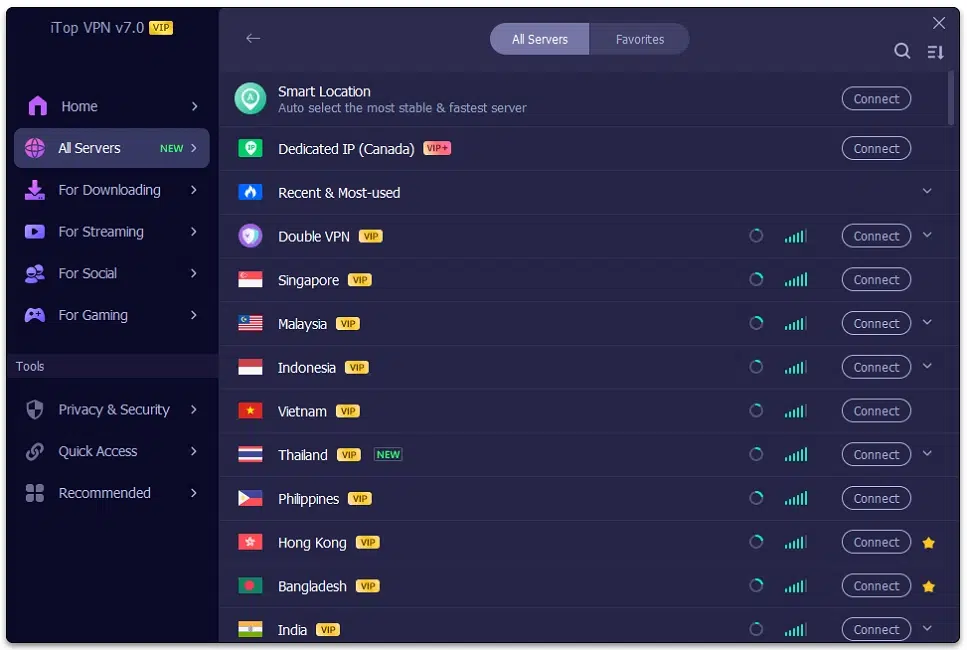
After installation, the redesigned interface opens with a clean and user‑friendly layout. The server list has been reorganized to make locations easier to find. All privacy features are clearly structured inside the dashboard.
Step 3: Connect to a free VPN server without login
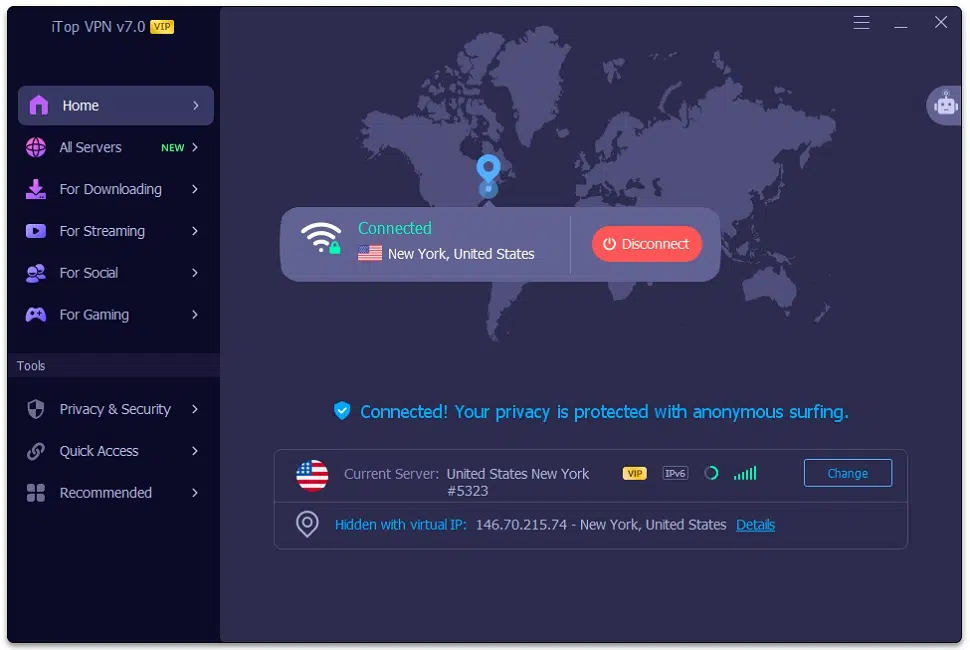
With one click, the system automatically connects to the most suitable server. Intelligent server selection helps match speed and stability. There are more than 3200 servers across 100+ global locations available for different needs.
Final Thoughts
The privacy of the internet in 2026 will demand more than IP masking. It requires encryption, surveillance, vulnerability scanning, and intelligent traffic management. iTop VPN combines all these factors into a single Windows-based solution.
iTop VPN provides a comprehensive privacy system for contemporary Windows users, with support for Windows x64, x86, and ARM, access to thousands of servers worldwide, and privacy tools such as Dark Web Monitor and Security Reinforce.
Download iTop VPN today and enjoy a safer, more reliable online experience.