
The use of training videos has become a significant element in the sharing of knowledge within organizations. Video content is useful to clarify ideas in a structured manner, whether it is during the onboarding of new employees or during the training process and systems. However, not all training videos that appear professional and maintain the interest of learners are easy to create.
Recording, editing, and updating videos regularly is a big challenge for many teams. It usually results in either old information or a lack of uniformity within the departments. The use of AI-powered tools has transformed this process in terms of speed and flexibility. This is especially true when it comes to creating videos. Vidnoz AI is a tool that enables the user to create training videos without any technical knowledge, simply by typing the text.
Introducing Vidnoz AI for Training Content Creation
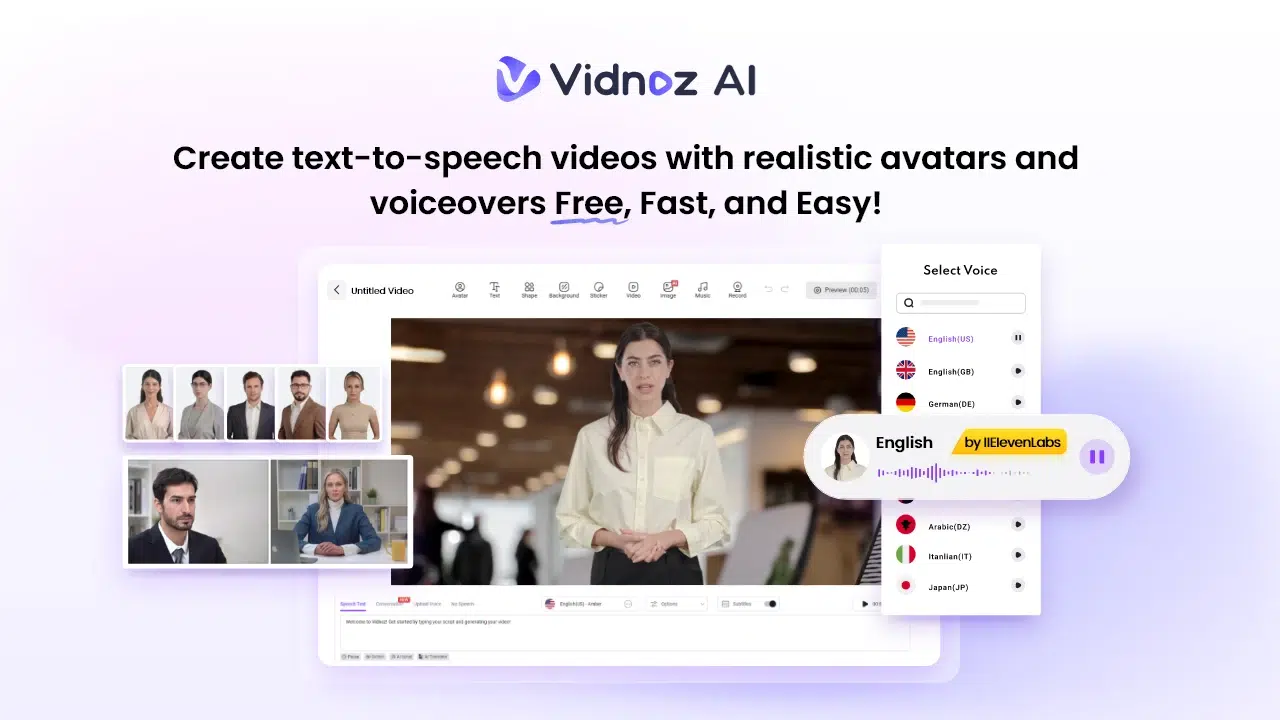
Vidnoz AI is video-generating software that converts written text into ready-to-use videos with an AI presenter and voiceover. It eliminates the use of filming devices and editing programs. So, it becomes simpler to generate organized training material by the teams with less effort and time.
Vidnoz AI is important as it has the certification of ISO/IEC 27001:2022. It means good information security practices are there. This would be useful in particular among organizations handling internal training content, employee information, or confidential processes. With this level of protection, teams will be able to make and manage interactive training videos with confidence while keeping information secure.
Why Interactive Training Videos Matter Today?
Training is no longer limited to lengthy documents or live sessions.
- Interactive video content assists learners in being more attentive and comprehending information easily. Complex topics are easier to follow through visual explanations, guided narration, and structured layouts.
- Interactive elements also enable the learners to go back to sections, take breaks where necessary, and study at their own pace. This results in improved retention and enhanced regularity in sharing knowledge across the teams.
Companies that use video-based training will find it easier to standardize learning across its multiple locations.
Core Features of Vidnoz AI That Support Training Video Creation
Here are some of the important features you need to know about.
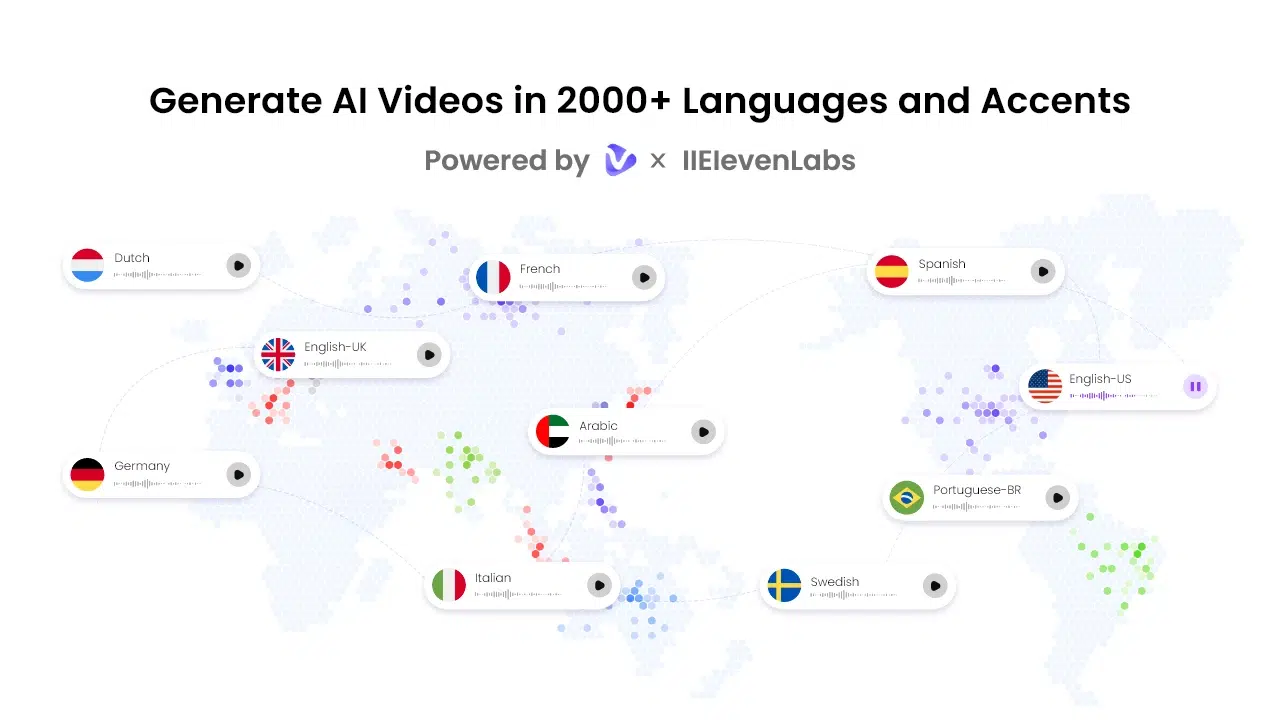
Natural-Sounding AI Voices
Vidnoz AI Video Generator has more than 2,000+ AI voices that lip-sync to the spoken words realistically. These voices make the training videos sound natural and clear. This makes the instructions easier for the learners.
Wide Template Selection
Users can build structured interactive training videos in a short period of time with over 2,800 templates. The templates are available in various styles and languages. This helps you to design the content targeted at various teams with less effort.
Free Daily Video Creation
Users are allowed to create about two minutes of video at no cost every day. This enables them to experiment with training concepts or produce mini learning videos at no extra expense.
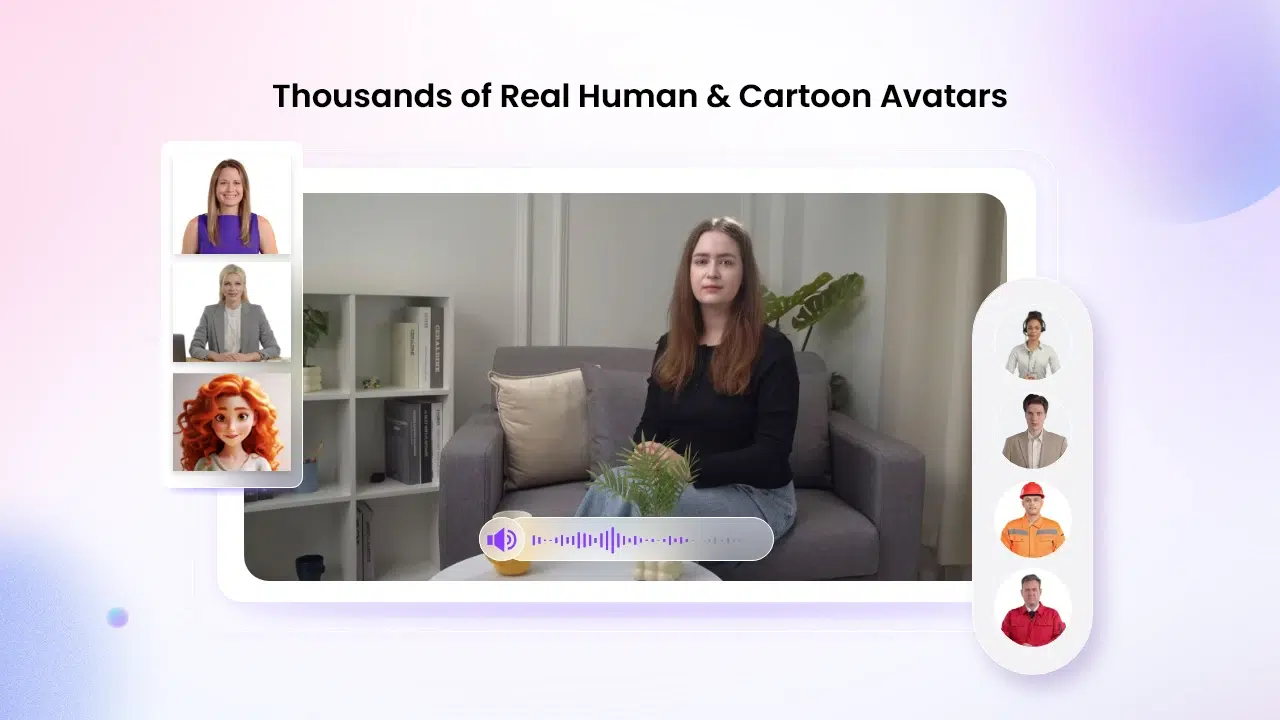
Large Avatar Library
Vidnoz AI offers over 1,900 lifelike avatars, giving users a wide range of presenters for different types of training content. These avatars help deliver information without requiring real presenters.
Flexible Avatar Options for Training Scenarios
Vidnoz AI provides a variety of avatar styles that fit different learning environments. Users can choose presenters that match roles such as teachers, customer support agents, or business professionals.
- For quick video creation, Avatar Lite offers ready-to-use characters that work well for short training modules.
- Custom Avatar Pro allows more control, such as adjusting backgrounds and visual elements to match company branding.
- Motion Avatars bring videos to life by adding gestures, posture, and facial expressions. These movements make training sessions feel more engaging.
Users can also create a digital version of themselves that speaks in over 40 languages, helping maintain a consistent voice across training materials.
Step-by-Step Method to Create Training Videos
Follow the steps given below.
1. Access the Platform and Start a Project
Begin by signing up or logging in to Vidnoz AI. The dashboard displays templates, avatars, and saved videos in one place, making it easy to start a new training project without confusion or extra setup.
2. Select a Training Template or Presenter
Choose a template designed for training content or pick an avatar that fits your topic. You can filter options by language, industry, or role to quickly find visuals that match your training needs.
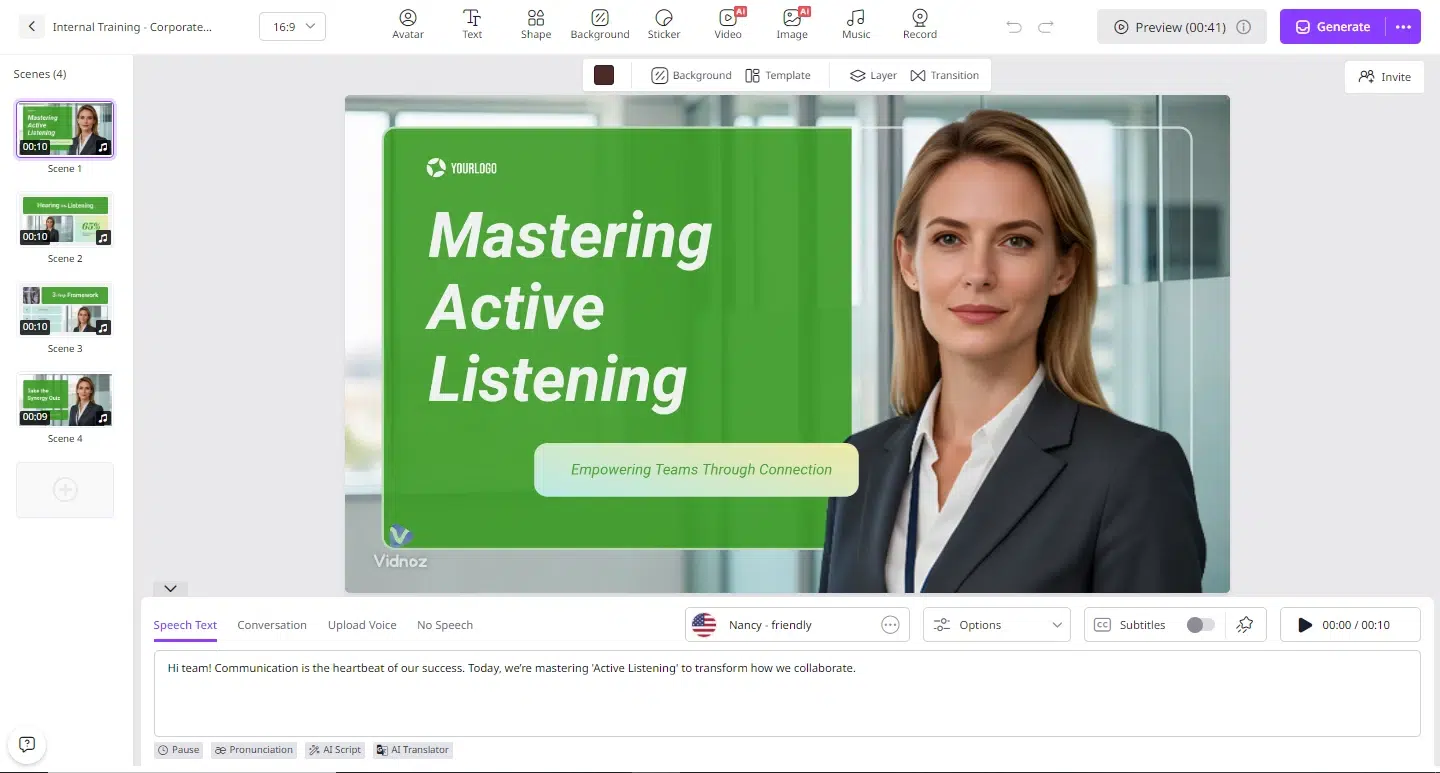
3. Insert Training Script and Adjust Layout
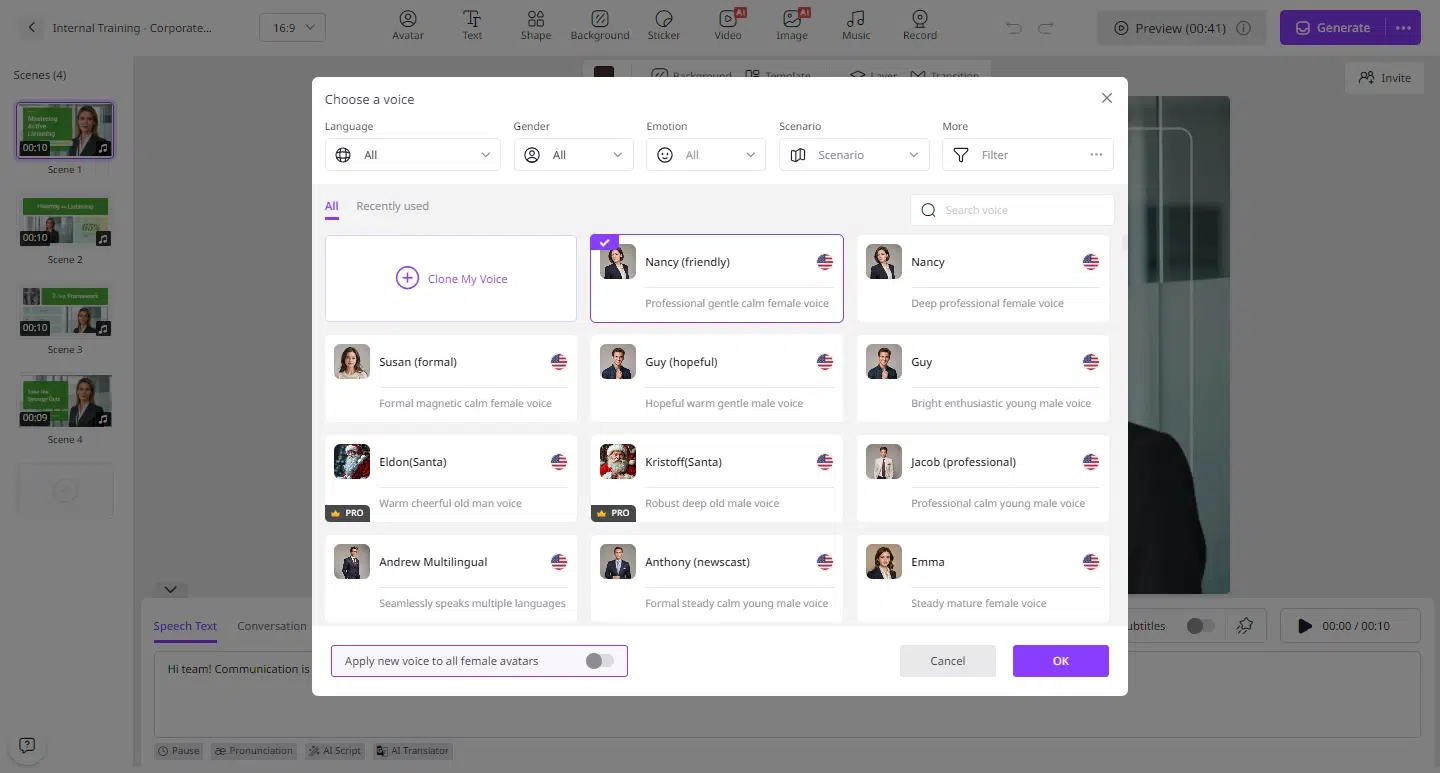
Add your script to the editor and select a voice that matches your tone. Adjust text placement, background visuals, and timing to create a structured learning experience that is easy to follow.
4. Preview and Improve the Flow
Play the preview to check how the video looks and sounds. Make small edits to improve pacing, clarity, or visual alignment before finalizing the training content.
5. Generate and Distribute the Video
Create the final video and download it or share it directly. Training videos can be uploaded to learning platforms, internal systems, or shared through email and communication tools.
Ways to Make Training Videos More Interactive
- Adding interaction does not always require advanced tools. Simple methods like breaking content into sections, adding clear headings, and using consistent visuals can improve engagement.
- You can also structure videos in a way that encourages learners to pause and reflect. For example, presenting a short explanation followed by a summary helps reinforce key points.
- Using avatars that maintain eye contact and natural movement also helps keep attention. These small details make a big difference in how learners experience training content.
Maintaining Consistency Across Training Programs
Consistency is key when training teams across different locations. Vidnoz AI helps maintain a uniform style by allowing users to reuse templates, avatars, and layouts.
This keeps all training materials aligned, even when created by different teams. Updating content is also simple. Instead of creating new videos from scratch, users can edit existing scripts and generate updated versions.
This approach saves time and keeps information accurate across departments.
Final Thoughts
It is not necessary to make professional and interactive training videos very complicated. Vidnoz AI offers an easy method of converting written material into a structured, interactive learning video in no time.
It assists organizations in creating training content that is simple and easy to understand, with a simplified workflow. Since the training requirements keep growing, the use of Vidnoz AI helps to maintain and update the learning content and make it accessible to all.