AI video generation has become one of the biggest trends in digital content creation. From social media creators to marketers and casual users, more people are searching for tools that can quickly turn images into engaging videos without requiring advanced editing skills.
One platform gaining attention in this growing space is Vidmud and its dedicated Image to Video tool. The platform promises an easy way to transform static images into animated videos using AI technology — all without complicated software or technical experience.
In this review, we’ll take a closer look at Vidmud Image to Video, its features, usability, performance, and why it stands out among modern AI video generators.
What Is Vidmud Image to Video?
Vidmud Image to Video tool is an online AI-powered tool that converts still images into short animated videos. Users simply upload a photo, optionally add a prompt, and the AI generates dynamic motion effects automatically. According to the official platform, the tool is designed for fast, beginner-friendly video creation directly in the browser.
The growing popularity of AI video generation reflects wider industry trends. Modern diffusion-based AI systems can now create high-quality motion sequences from static images using advanced machine learning models.
Vidmud brings this technology into a simple web-based interface that doesn’t require editing experience or expensive software.
First Impressions and Interface
One of the first things users notice about Vidmud is how simple the interface feels. Unlike many AI tools that overwhelm beginners with complicated settings, Vidmud keeps the process straightforward.
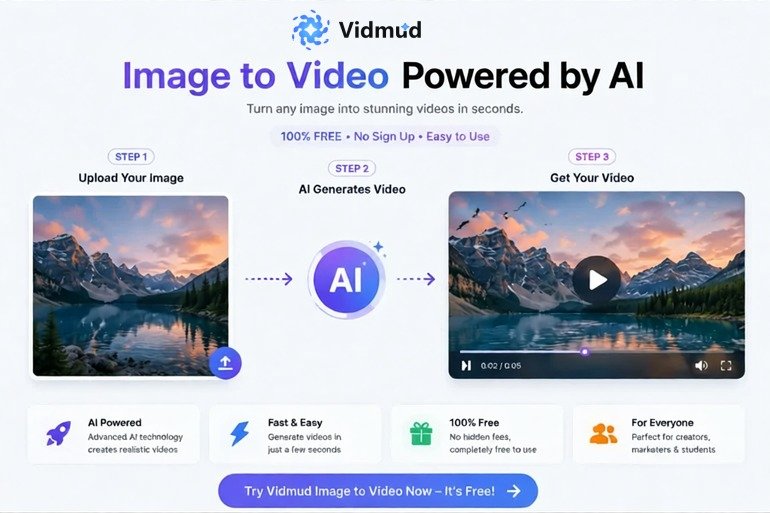
The homepage focuses mainly on three steps:
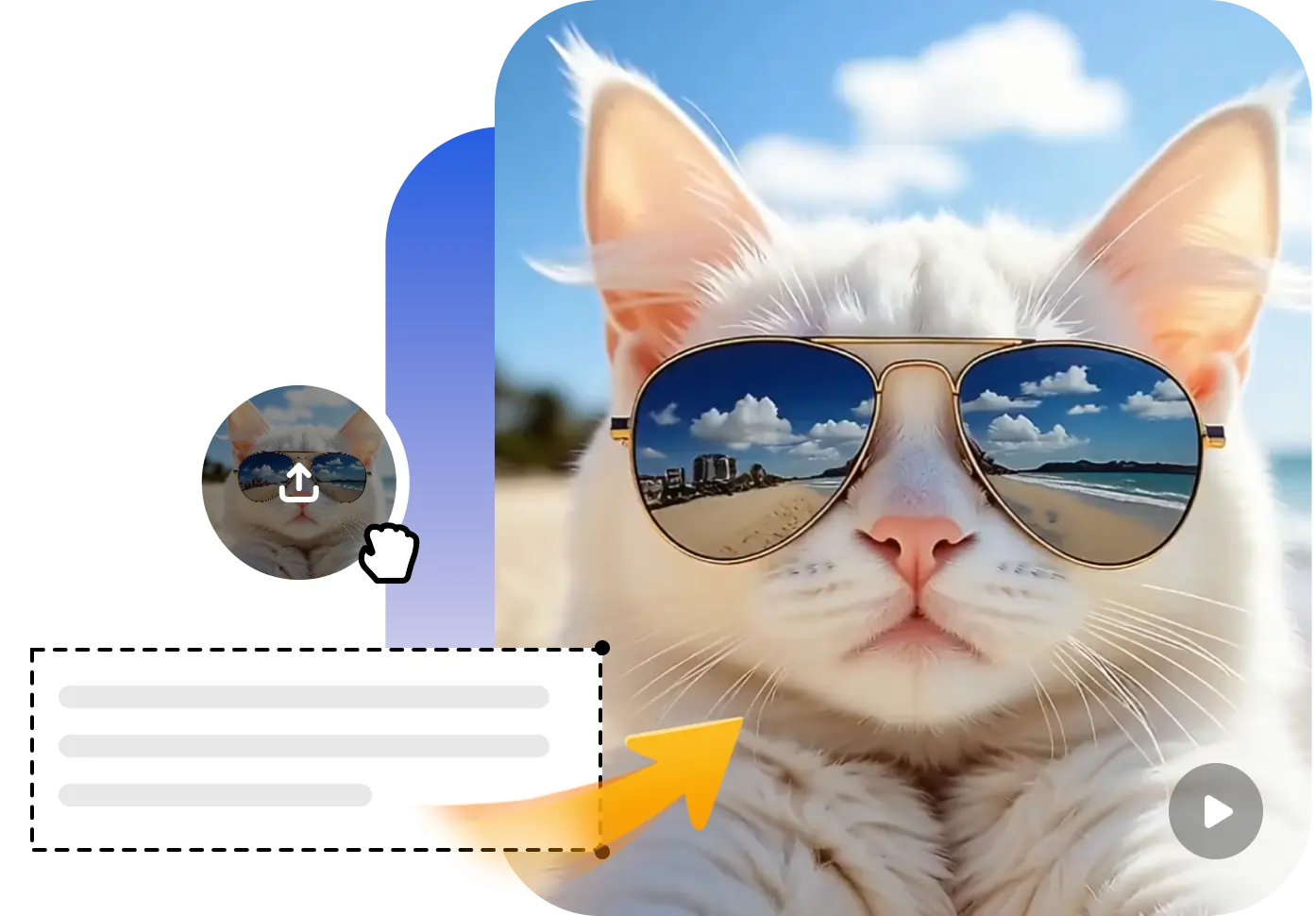
- Upload an image
- Describe the video (optional)
- Generate the video
This simplicity makes the platform approachable even for users who have never worked with an AI video creation tool before.
The interface also loads quickly and works entirely online, meaning there’s no software installation required.
No Signup Required
One feature that immediately stands out is that Vidmud allows users to generate videos with no signup required. Many AI platforms force users to create accounts before testing features, which can slow down the experience.
Vidmud removes that barrier completely. According to the platform’s official page, users can start generating videos instantly without registration.
This is especially useful for:
- Casual users who want quick edits
- Social media creators testing ideas
- Students and beginners
- Users concerned about privacy
The no-signup experience also makes the platform feel much faster and more accessible compared to many competing AI video generators.
Free AI Video Generation
Another major advantage is that Vidmud offers free image-to-video generation. Free access is becoming increasingly rare in AI video generation because video rendering requires heavy computing power.
Online discussions about AI video tools often mention how difficult it has become to find genuinely free platforms. Many services now rely on limited credits or paid subscriptions.
Vidmud positions itself as a free AI image-to-video generator, helping users experiment without needing expensive subscriptions upfront.
For beginners and casual creators, this is a major benefit.
Video Quality and Motion Effects
The actual video output quality is surprisingly solid for a browser-based AI tool.
Vidmud uses AI motion generation to animate still images naturally. The platform highlights features such as:
- Dynamic motion effects
- Smooth transitions
- AI-enhanced animation
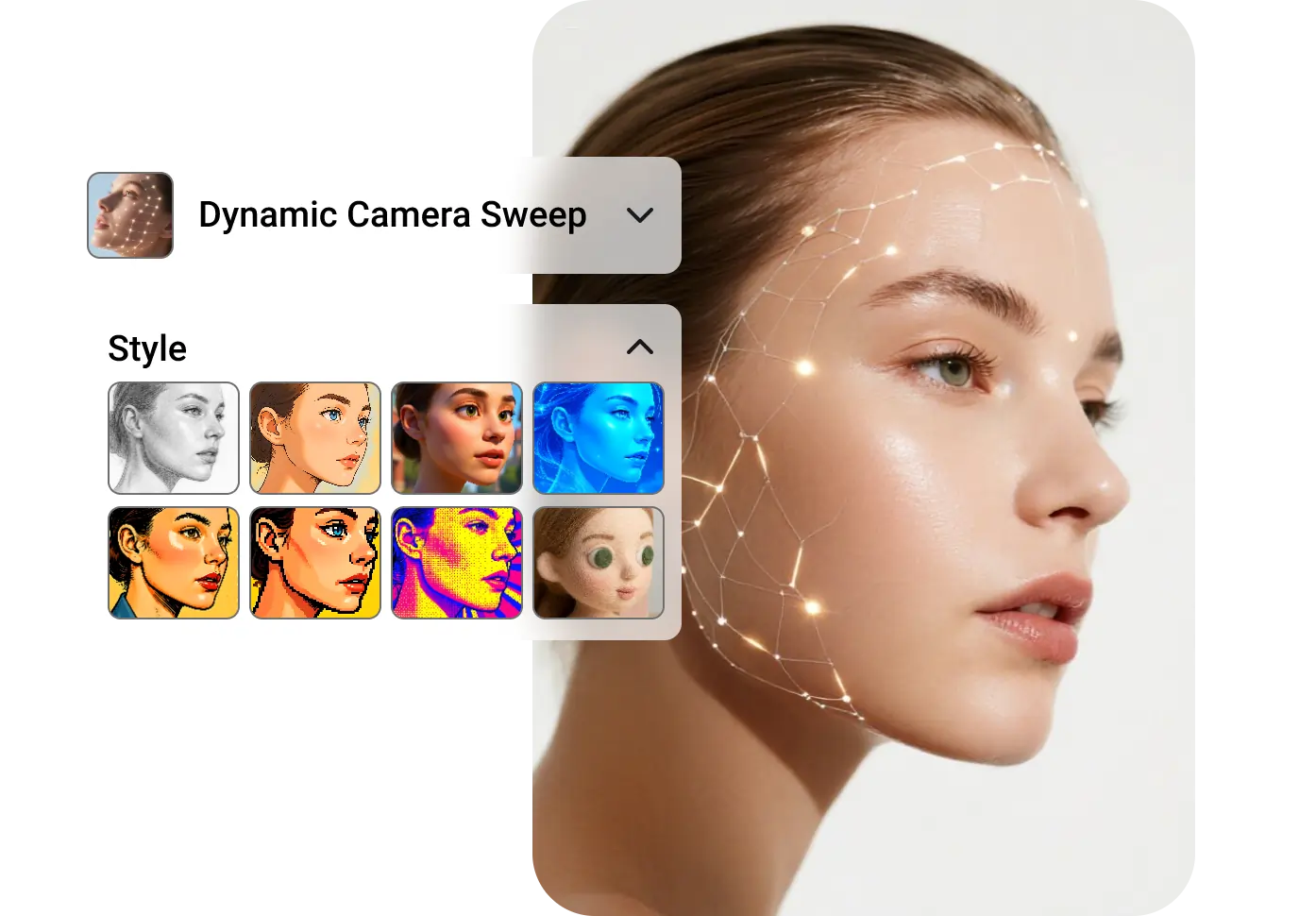
- Style transformation
- Visual enhancement
According to the official platform description, the AI is designed to produce visually engaging outputs with realistic motion and vibrant visuals.
The generated videos work particularly well for:
- Social media posts
- TikTok clips
- Instagram reels
- Creative projects
- Marketing visuals
- Animated portraits
While high-end professional tools may offer deeper customization, Vidmud performs well considering its simplicity and free accessibility.
Easy for Beginners
One of Vidmud’s biggest strengths is accessibility.
Many AI video tools target advanced creators and include complex prompt engineering, camera controls, or timeline editing systems. Vidmud instead focuses on ease of use.
Even complete beginners can generate videos within minutes.
The process is extremely simple:
- Upload an image
- Enter a short description if desired
- Click generate
- Download the result
This beginner-friendly design makes the platform ideal for users who simply want quick and attractive video results without spending hours learning editing software.
Privacy and Security Features
Privacy is becoming increasingly important when using AI platforms. Many users hesitate to upload personal photos because they worry about how their data is stored or processed.
Vidmud emphasizes privacy-secured usage and a workflow designed around simplicity and user protection.
An especially appealing aspect is the platform’s claim that no unnecessary user data is saved during the process. Combined with the no-signup system, this creates a more private editing experience compared to platforms that require account creation and personal information.
For users working with personal images, family photos, or private creative content, this privacy-focused approach adds significant value.
Performance and Speed
AI video generation can often be slow because rendering motion requires significant processing power.
In testing and based on platform descriptions, Vidmud performs reasonably quickly for browser-based generation. The platform emphasizes fast workflows and streamlined creation.
Generation times may vary depending on server demand and video complexity, but overall the process feels efficient enough for casual and creative use.
The ability to create animated content without installing software or using high-end hardware is one of the platform’s strongest advantages.
Use Cases for Vidmud Image to Video
Vidmud can be useful for many different types of users.
Social Media Creators
Creators can turn static images into engaging short-form video content quickly.
Digital Marketers
Businesses can create lightweight promotional visuals and animated ads.
Students and Educators
Educational presentations become more dynamic with AI-generated motion.
Artists and Designers
Artists can experiment with animated visual storytelling.
Casual Users
Anyone can animate travel photos, portraits, or creative images for fun.
Because the tool is browser-based and beginner-friendly, it appeals to a wide audience.
How Vidmud Compares to Other AI Video Tools
Compared to many modern AI video platforms, Vidmud focuses more on accessibility and convenience rather than overwhelming users with advanced controls.
Some competing tools offer cinematic-level customization, but they often require subscriptions, signups, or technical knowledge.
Vidmud instead prioritizes:
- No signup
- Free usage
- Fast access
- Simple workflow
- Privacy-focused usage
- Beginner-friendly design
This makes it especially appealing for casual creators and users who want quick AI-generated videos without complexity.
Final Verdict
Overall, Vidmud Image to Video is a surprisingly convenient and accessible AI video generator for users who want fast and simple animation tools online.
The platform succeeds because it removes many common frustrations associated with AI video creation. Users can start immediately without creating accounts, test features for free, and generate videos directly in the browser.