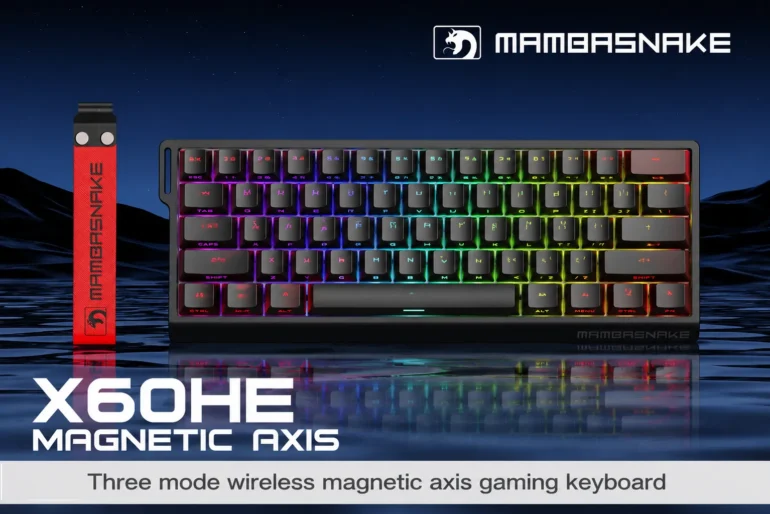
In competitive gaming, every millisecond counts. The difference between landing a crucial ability or missing a critical shot often comes down to the responsiveness of your keyboard. For serious gamers climbing ranked ladders and competing in tournaments, a high-quality keyboard isn’t a luxury—it’s a necessity. But here’s the challenge most competitive players face: how do you get tournament-grade performance without spending a fortune? The good news is that the gaming keyboard market has evolved dramatically, and you no longer need to drop hundreds of dollars to get features that matter in competitive play.
This guide is designed specifically for competitive gamers working within a budget under $100. We’ll break down the essential features that actually impact your performance, present carefully selected keyboards that deliver where it counts, and show you how to choose the right option for your specific gaming style. Whether you need lightning-fast mechanical switches, wireless freedom, or deep customization options, there’s a budget-friendly keyboard waiting to elevate your game.
What Makes a Gaming Keyboard Essential for Competitive Play?
In competitive gaming, your keyboard serves as the direct interface between your intentions and in-game actions. Unlike casual gaming where a standard keyboard might suffice, competitive play demands precision that can only come from purpose-built hardware. Gaming keyboards are engineered to register inputs faster, handle simultaneous key presses without conflict, and withstand the intense repeated use that comes with daily practice sessions and tournament play.
The foundation of any competitive gaming keyboard lies in its switch mechanism. Mechanical switches offer a distinct advantage over traditional membrane designs because they provide consistent actuation points—the exact distance a key must travel before registering. This consistency allows competitive players to develop muscle memory that translates directly into faster, more reliable execution. When you’re executing complex combos in a fighting game or rapidly switching weapons in an FPS, knowing precisely when each keystroke registers makes a measurable difference in your reaction chain.
Build quality also plays a significant role that many budget-conscious gamers overlook. A keyboard that flexes under pressure or has inconsistent key spacing will introduce subtle errors over thousands of hours of play. Competitive gamers need a stable platform that performs identically whether it’s your first game of the day or your twentieth.
Key Performance Features for High-Performance Needs
Mechanical switches remain the gold standard for competitive play, offering actuation speeds between 1.0mm and 2.0mm depending on the switch type. Linear switches like Cherry MX Red or Gateron Red provide smooth, uninterrupted keypresses ideal for rapid inputs, while tactile switches give feedback that some players prefer for precise timing. Anti-ghosting and N-key rollover ensure every keystroke registers even during complex multi-key combinations—essential for games requiring simultaneous inputs. Polling rates of 1000Hz mean your keyboard communicates with your PC every millisecond, eliminating any perceptible input delay.
Customization Options to Enhance Gaming Experience
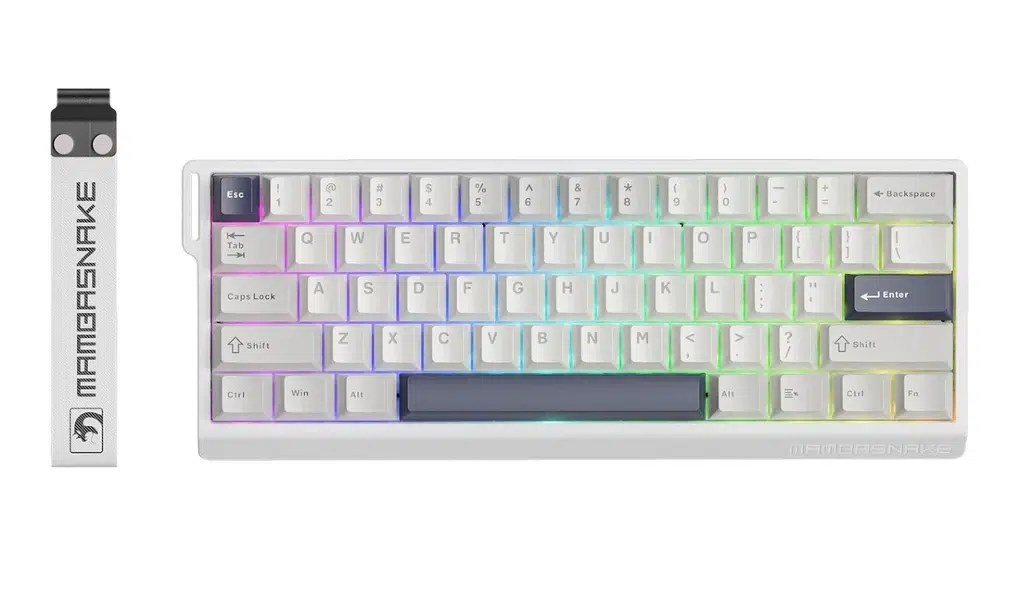
Beyond raw performance, customizable keyboards give competitive players practical advantages. Programmable macro keys let you bind complex sequences to single inputs, streamlining repetitive actions. Per-key RGB lighting isn’t just aesthetic—it can highlight specific key groups for different games, reducing visual search time during intense moments. Software suites from manufacturers like Razer, Corsair, and HyperX allow you to create game-specific profiles that automatically load your preferred settings, ensuring your keyboard adapts to whatever title you’re competing in.
Top Picks: Best Gaming Keyboards Under $100
Finding a competitive-grade keyboard under $100 used to mean significant compromises. Today, manufacturers have pushed performance downstream, delivering tournament-worthy features at accessible price points. The keyboards in this category offer mechanical switches, robust build quality, and the responsiveness competitive gamers demand. What separates the best gaming keyboards for under $100 from mediocre ones is how well they balance raw performance with the customization features that let you tailor the experience to your playstyle. Below, we’ve organized our top picks by connectivity type and customization capability, so you can quickly identify which approach suits your competitive setup.
Wireless Gaming Keyboard Options for Flexibility
A wireless gaming keyboard eliminates cable clutter and gives you positioning freedom that can genuinely improve comfort during long tournament sessions. Models from Razer, Logitech, and Royal Kludge now deliver 2.4GHz wireless connections with latency comparable to wired alternatives—often under 1ms in testing. Look for keyboards offering dual-mode connectivity (2.4GHz dongle plus wired USB-C) so you always have a backup during critical matches. Battery life on budget wireless models typically ranges from 40 to 200 hours depending on lighting settings, meaning you won’t face mid-match shutdowns if you manage charging routines. The key consideration is ensuring the wireless model you choose maintains consistent polling rates without signal interference, particularly in LAN environments where multiple wireless devices compete for bandwidth.
Customizable Keyboards for Personalization on a Budget
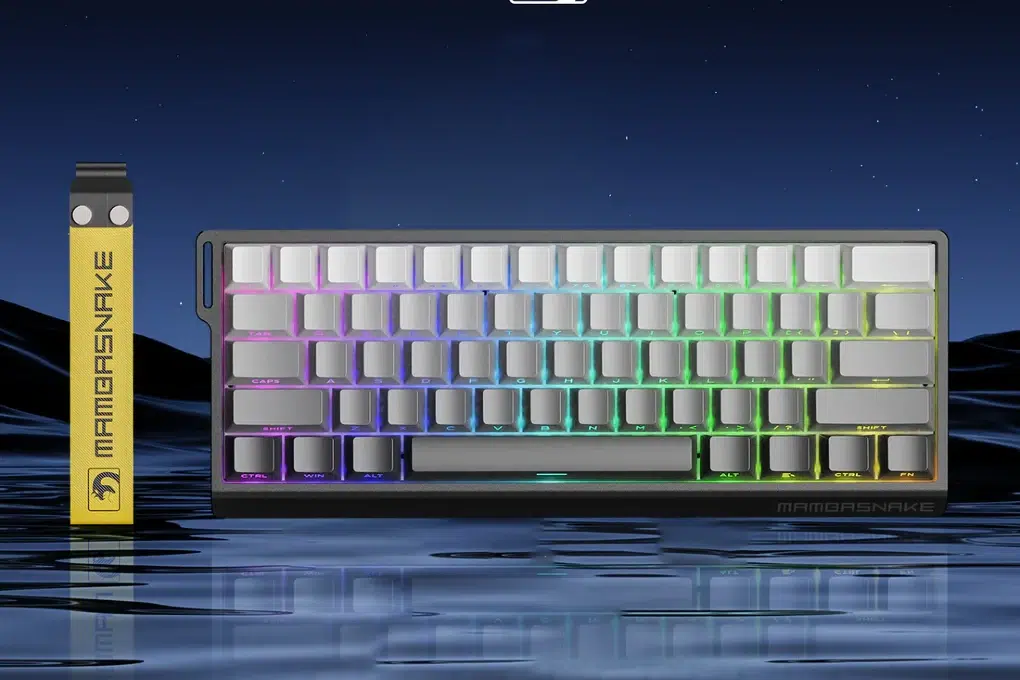
Several budget keyboards now ship with full-featured software suites that rival premium offerings. Brands like HyperX, SteelSeries, and MAMBASNAKE provide free companion applications enabling per-key RGB programming, macro creation with adjustable delays, and multiple onboard profiles you can switch on the fly. Hot-swappable switch sockets have also entered the budget segment, letting you physically change switches without soldering—meaning you can start with linear switches for FPS games and swap to tactile options when playing strategy titles. Look for keyboards advertising at least three onboard memory profiles, which store your configurations directly on the hardware so your settings travel with you to any PC without installing software. This feature alone makes budget customizable keyboards viable for tournament use where you’re plugging into unfamiliar systems.
Bluetooth Keyboards for Versatile Gaming Setups
Bluetooth keyboards appeal to gamers who switch between multiple devices—perhaps gaming on a PC but also using the same keyboard with a tablet for strategy games or a console. Multi-device pairing (typically supporting three devices simultaneously) adds genuine versatility. However, competitive players should approach Bluetooth with caution: standard Bluetooth connections introduce 7-15ms of latency compared to 2.4GHz wireless or wired connections. For casual competitive play this may be acceptable, but at higher ranks where frame-perfect inputs matter, reserve Bluetooth for non-competitive use and switch to wired or 2.4GHz mode during ranked sessions.
How to Choose the Right Gaming Keyboard for Your Needs
Selecting the right gaming keyboard from dozens of budget options can feel overwhelming, but narrowing your choice becomes straightforward when you approach it systematically. Start by identifying your primary game genre—FPS players generally benefit from linear switches and compact layouts that give more mouse space, while MOBA and MMO players often prefer full-size keyboards with additional macro keys. Your switch preference matters enormously since you’ll be pressing these keys thousands of times per session, so understanding whether you want the smooth travel of linears or the bump feedback of tactile switches should be your first decision point.
Next, determine your connectivity requirements honestly. If you compete at LAN events or move between setups, a wireless keyboard with onboard memory profiles offers unmatched convenience. If your setup is permanent and you want zero latency concerns, wired remains the simplest reliable choice. Consider your desk space as well—60% and 65% layouts save significant room for wide mouse movements, while tenkeyless designs retain arrow keys and function rows that some players find essential for navigation outside games.
Steps for Evaluating High-Performance Keyboards
Begin your research by checking polling rate specifications—anything below 1000Hz isn’t suitable for competitive play at higher levels. Verify that the keyboard offers full N-key rollover rather than just anti-ghosting on select key zones, as partial solutions can still drop inputs during complex sequences. Read user reviews specifically from competitive players in your genre, since their feedback addresses real-world performance under pressure rather than general typing impressions. Compare actuation distances if you prioritize speed: some budget keyboards now offer 1.2mm actuation that rivals premium optical switches. Always cross-reference manufacturer claims with independent latency testing when available, as marketing specifications don’t always reflect actual measured performance.
Solutions for Maximizing Customization on a Budget
You don’t need expensive hardware to achieve deep customization. Free software suites from most gaming brands let you remap every key, create layered macros with precise timing adjustments, and design per-game lighting profiles. If your keyboard supports hot-swappable sockets, explore community switch vendors where you can buy individual switches for a fraction of full keyboard costs—experimenting with different actuation weights across key groups. Third-party keycap sets in PBT plastic offer improved durability and texture over stock ABS caps for under $30, transforming the feel of a budget board. Community tools like VIA or QMK firmware support on certain budget models unlock programming capabilities that exceed what proprietary software provides, giving you tournament-level customization without spending beyond your initial keyboard investment.
Elevate Your Competitive Gaming Without Breaking the Bank
Competitive gaming on a budget no longer means sacrificing the performance features that matter most. The gaming keyboard market now delivers mechanical switches, 1000Hz polling rates, full N-key rollover, and deep customization through software suites—all within a sub-$100 price range that would have been unthinkable just a few years ago. Whether you prioritize the cable-free flexibility of a wireless gaming keyboard, the personalization depth of customizable keyboards with hot-swappable switches, or the multi-device convenience of Bluetooth connectivity, there’s a budget option engineered for your competitive needs.
The key takeaway is matching your purchase to your specific gaming demands. FPS players should gravitate toward compact layouts with fast linear switches, MOBA enthusiasts benefit from programmable macro keys and tactile feedback, and players who compete across multiple setups need onboard memory profiles and portable designs. Once you’ve made your choice, proper optimization through firmware updates, polling rate configuration, and thoughtful macro programming transforms an affordable keyboard into a genuine competitive tool. Don’t wait for the perfect premium board—start elevating your gameplay today with a budget keyboard that punches well above its price point.