AI video generation is no longer just a trend people test for fun. In 2026, it is becoming a practical tool for creators, marketers, educators and small teams that need more visual content but do not always have the time or budget for full production.
The challenge is simple. Video takes more effort than most other content formats. A short clip may require an idea, visual references, editing, music, captions, platform formatting and several rounds of review. For teams that publish often, this can slow everything down.
That is why AI video drafting is becoming useful. Instead of waiting until a full shoot or edit is ready, creators can turn early ideas and existing assets into moving drafts. These drafts help teams decide what works before spending more time on the final version.
What Makes AI Video Drafting Different
AI video drafting is not the same as asking a tool to create a perfect final clip. It is closer to building a visual test.
A creator may have a product image, a rough script, a short audio clip or a previous video reference. Instead of starting from a blank editing timeline, they can use those materials to generate a short draft. The draft can then be reviewed, refined or used as a reference for a human editor.
This makes the creative process faster because people can react to something visible. It is easier to discuss pacing, camera movement, product focus and atmosphere when the idea is already in motion.
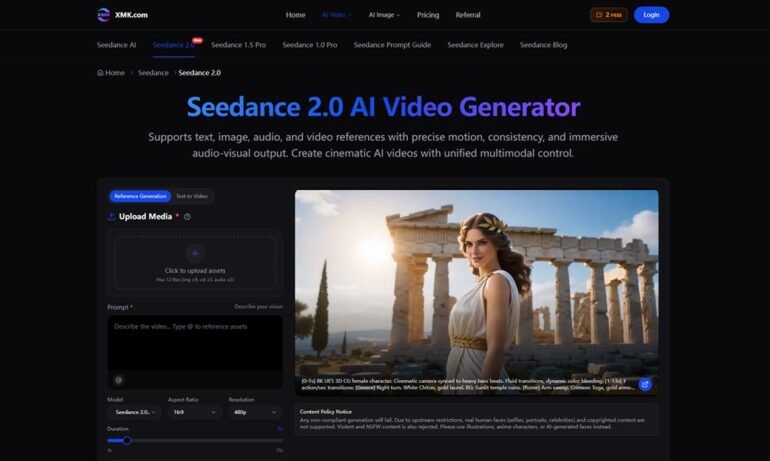
Tools such as Seedance 2.0 fit this type of workflow because they support text, image, audio and video references. That gives users more ways to guide the result instead of relying only on one prompt.
Why References Are Important
One common problem with AI video tools is that text prompts can be too open. A prompt may describe a stylish product video or a cinematic social clip, but the result may not match the brand, object, scene or movement the creator had in mind.
References help solve this problem. With AI video generation with Seedance, users can upload existing assets and describe how they should influence the output. An image can guide the subject. A video can guide motion. Audio can guide rhythm. A prompt can define lighting, scene changes, mood and camera direction.
This is useful for real projects because most creators already have materials they want to reuse. A YouTuber may have a thumbnail style. A brand may have product photos. A teacher may have slides. A startup may have screenshots. AI video becomes more practical when it can work with those assets instead of inventing everything from scratch.
Useful Cases for Creators and Teams
Seedance 2.0 can be useful in several everyday content situations.
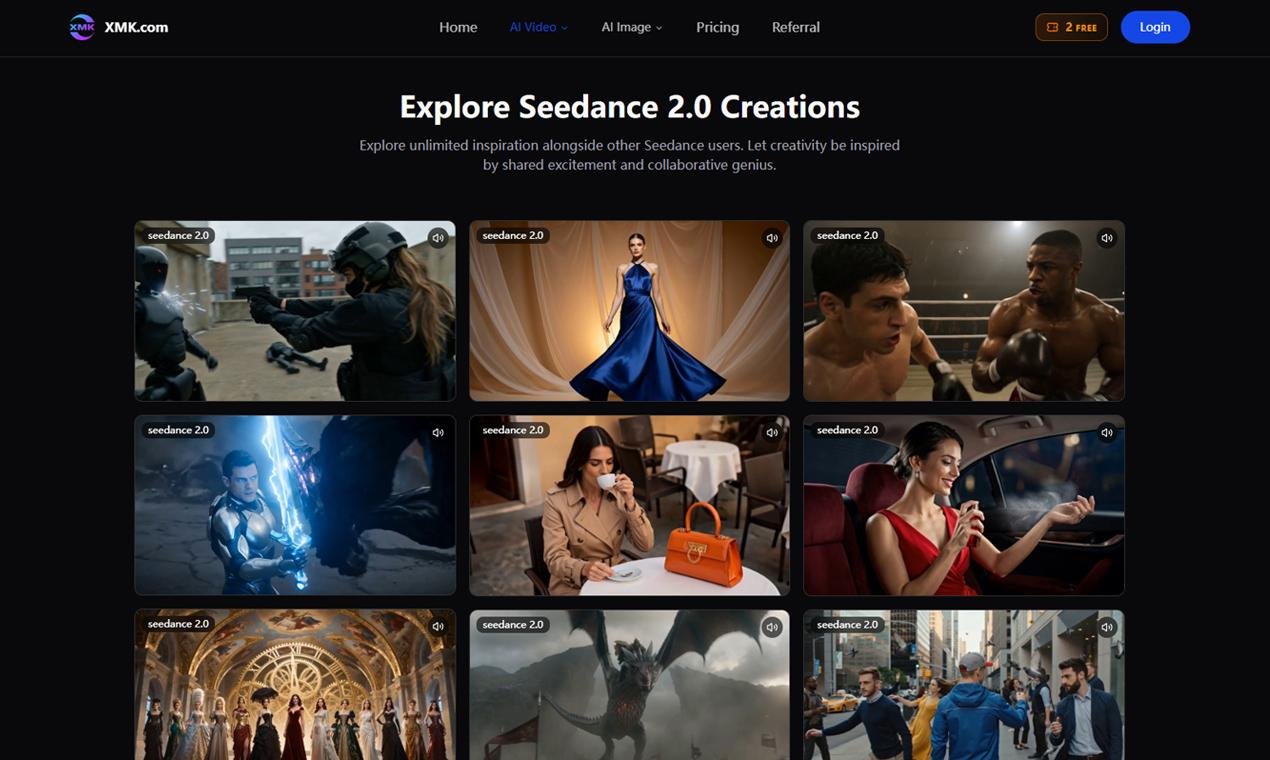
A social media manager can test different hooks for a campaign before choosing one to edit. A small business can turn product photos into short promotional drafts. A course creator can create a simple visual intro for a lesson. A podcaster can build a more engaging clip around a quote or audio moment. A designer can use video drafts to explore mood and movement before presenting a direction to a client.
These are not extreme use cases. They are normal content tasks that often take more time than expected. AI video can help by making the first version easier to reach.
How to Use Seedance 2.0 in a Simple Workflow
A practical workflow does not need to be complicated:
- Choose one goal for the video, such as a product teaser, explainer or social clip.
- Collect useful assets, including images, clips, audio, screenshots or style references.
- Write a prompt that explains the scene, movement, mood and platform.
- Generate a short draft.
- Review whether the idea is clear and visually consistent.
- Adjust the prompt or references and create a stronger version.
- Use the best draft for publishing, editing or team feedback.
This process keeps AI video connected to the actual content goal. It also prevents the tool from becoming a random clip generator.
Why It Helps Small Teams
Small teams often have good ideas but limited production time. They may not have a full video department, yet they still need content for Instagram, TikTok, YouTube Shorts, websites, ads and presentations.
For these teams, creating videos with Seedance 2.0 can reduce the delay between idea and review. A draft can show whether a product is visible enough, whether the opening is strong, or whether the scene needs a different style.
This does not replace creative judgment. People still need to decide what looks natural, what fits the audience and what should be improved. But it gives them a faster starting point.
It can also make collaboration easier. Instead of explaining a video idea only through text, a marketer, founder, teacher or creator can share a visual draft and ask for specific feedback. The discussion becomes clearer because everyone is looking at the same direction, which can reduce revisions later.
Final Thoughts
AI video is becoming more useful as it moves away from simple prompt experiments and toward guided creation. The best results usually come from clear direction, good references and a review process that improves the draft.
Seedance 2.0 is interesting because it focuses on that kind of multimodal workflow. It helps creators use the assets they already have and turn them into video drafts that can be tested, refined and shared.
For anyone producing regular digital content, that can save time and reduce creative guesswork. The value is not only faster video generation. It is getting from idea to a watchable first draft with less friction.