1. Why I Felt the Need to Run This Test
By 2026, I had grown skeptical of “best AI humanizer” rankings.
Not because they’re all pretty much the same, but they’re all really not what I do as a writer. They usually have to do with detector scores, sales pitches or fireworks effect before-and-after examples. What they don’t often capture is that more mundane, practical question: does this tool actually make my job easier, or are they just making it in a different place?
When I edit AI-pseudowrote pieces, I’m not looking for miracles. I’m looking for fewer interruptions. Fewer moments when a sentence feels just about, but not exactly, balanced. Where it isn’t too polite, too polite, too… machine-shaped. In my experience, the best AI humanizer tool is the one that writes the least, but still writes the most.
That was the thought that prompted this comparison.
2. What “Controlled Conditions” In This Article Actually Meant
I set up a few constraints to try and avoid the usual traps of tool reviews.
I kept the AI-generated draft the same for every tool.
I didn’t optimize my prompts or tweak any stylistic knobs to “prettify” any particular tool.
I didn’t stack rewrites or patch in weak spots by hand.
And most importantly, I judged the outcomes by the standards I use for my own writing:
would I keep that paragraph as part of a real draft, or would I have the urge to rewrite it again?
That’s the point, because a rewrite that meets that test on the metrics side, but feels wrong to the writer, is basically a failure.
3. The Tools Included in This Comparison
For this 2026 comparison, I focused on three tools that frequently appear in discussions around AI humanization:
● GPTHumanizer AI
● Unaimytext
● WalterWrites AI
Each tool was tested under identical conditions using the same input text.
4. Baseline Facts Observed During Testing
Before getting into subjective impressions, it is important to separate observable behavior from interpretation. The table below summarizes what could be verified directly during use.
| Tool | Access at Test Time | Typical Rewrite Intensity | Formatting Retention | Stability Across Runs |
|---|---|---|---|---|
| GPTHumanizer AI | Free Lite model, no signup | Moderate | High | High |
| Unaimytext | Freemium | High | Medium | Medium |
| WalterWrites AI | Freemium | Low to moderate | High | Medium |
This table is not a ranking. It simply reflects how each tool behaved under the same constraints.
5. How I Evaluated the Rewrites
I did not treat AI detectors as judges. At most, I used them as a secondary reference to confirm whether the direction of change matched what I observed by eye.
My primary evaluation criteria were editorial:
● Did the rewrite reach its point more efficiently?
● Did sentence rhythm become less uniform
● Did transitions feel less templated?
Most importantly, did the paragraph feel finished rather than merely altered?
If a rewrite required additional cleanup to restore clarity or intent, I considered that a net loss, even if the output looked impressive at first glance.
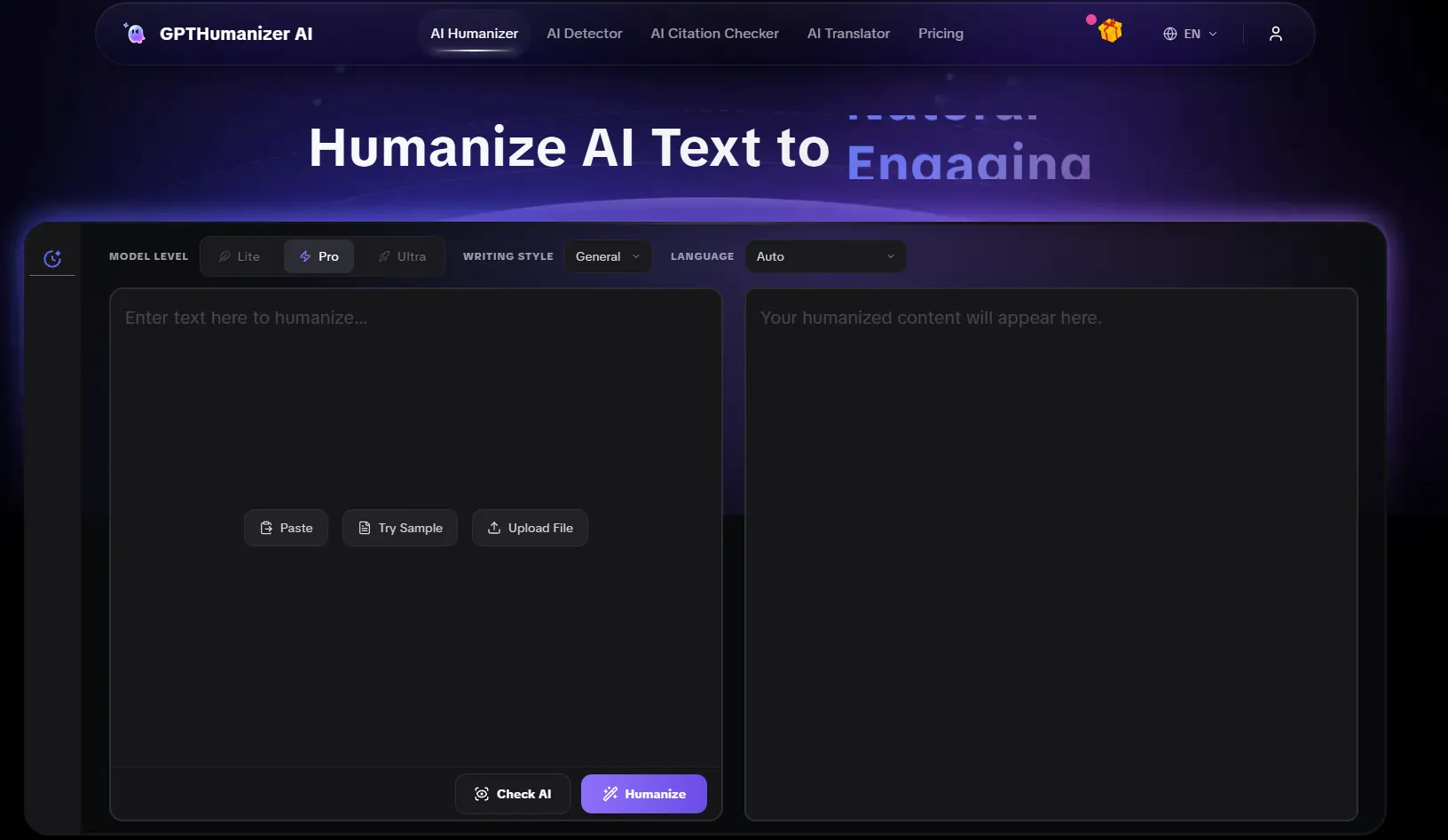
6. GPT Humanizer AI: Predictable Improvements With Minimal Friction
The most consistent pattern I observed with GPTHumanizer AI was restraint.
I didn’t see attempts at re-structuring or opportunistic style spraying. I saw a few small but effective changes: tightening openings, breaking up uniform sentence patterns, and thinned out overly smooth flow that tends to disqualify AI-authored prose.
What mattered less than what changed, was what stayed the same:
Meaning stayed the same.
Paragraph patterns stayed recognizable.
I didn’t need to reread to confirm emphasis stayed in place.
In turn this meant lower cognitive overhead. I accepted more of the output without hesitation. The edits read like my own kind of careful human-passing rather than an algorithm trying to show off.
The limitation here is scope. The free Lite model shines when used in chunks rather than the whole thing. But in that frame work, it had consistently useful results that I could incorporate into an actual editing workflow.
7. Unaimytext: More Aggressive, More Variable
Unaimytext took a more aggressive approach.
In various passages, this was beneficial, as flat areas gained momentum and sentence structures gained better variation. This naturally came at a cost. In a few instances the rewrite altered emphasis to the point that I had to double-check that the original meaning was still fully conveyed.
Tone consistency was less reliable. Some paragraphs seemed confident and natural; others were slightly over-polished, but slightly garbled.
This is not a flaw in Unaimytext. It makes it more demanding. The tool calls for a more hands-on read, and a greater willingness to rewrite the rewrite. If that is the goal for an author, it is fine. For me it increased, rather than decreased, edit time.
8. WalterWrites AI: Clean As Possible, Not All That Much
WalterWrites AI created the cleanest-sounding text at first glance.
Grammar was improved. Transitions were smoother. Formatting stayed consistent. But, after digging a little deeper, I realized many of the original AI signs were still there. Sentences were paced evenly. The voice was calm in a very neutral way.
The tool improved surface-level cues but didn’t always do the deeper work required to re-tune the rhythm and pace that can make AI sound so machine-noisy. Thus, the output was readable but not a massive improvement.
In many instances, I felt I was read back to something close to a slightly-improved original rather than something less machine-noisy.
9. Comparative Editorial Outcomes
To clarify where differences emerged, I summarized my editing experience after multiple runs.
| Tool | How Often I Kept the Output Unchanged | Typical Reason for Further Editing |
|---|---|---|
| GPTHumanizer AI | Most of the time | Section size limitation |
| Unaimytext | About half the time | Meaning drift or tonal excess |
| WalterWrites AI | Occasionally | Persistent AI smoothness |
These outcomes reflect my own editorial judgment rather than absolute performance metrics, but they align closely with how the tools behaved under identical conditions.
10. What Improved Across All Tools
Although each had a different methodology, all three tools had some common impacts.
Openers became shorter.
Repetitive transitional phrases dithered.
Monotony from sentence length was dampened to varying degrees.
One feature that did not get better automatically was tone. That was a matter of how much structural overlording the tool did and how much it yielded to your original draft.
11. Final Reflections: Choosing Based on How You Actually Write
This exercise didn’t leave me with one universal recommendation.
Instead, it clarified fit.
● For writers who edit in stages and desire something predictable, GPTHumanizer AI was furthest from the editorial office.
● For writers who desire a stronger stylistic hold, Unaimytext gave the heftiest rewrite, but at the expense of consistency.
● For writers who want a quick polish on the surface, WalterWrites AI gave clean, corporate-level text.
In my own process, I found most of the GPTHumanizer AI edits remained untouched. That mattered more than any headline claim.
Under controlled conditions, the best humanizer was not one that advertised the most, but the one that made the draft less pungent to live with.